📖 Lesson content
Summary
The final step in building our MCP client is implementing prompt functionality. This allows us to list all available prompts from the server and retrieve specific prompts with variables interpolated into them.
Implementing List Prompts
The list_prompts method is straightforward. We call the session's list prompts method and return the prompts:
async def list_prompts(self) -> list[types.Prompt]:
    result = await self.session().list_prompts()
    return result.prompts
Getting Individual Prompts
The get_prompt method is more interesting because it handles argument interpolation. When we request a specific prompt, we pass arguments that get injected into the prompt function. For example, if our server has a "format" prompt that expects a doc_id parameter, that value gets passed through and interpolated into the actual prompt text.
async def get_prompt(self, prompt_name, args: dict[str, str]):
    result = await self.session().get_prompt(prompt_name, args)
    return result.messages
The method returns messages that form a conversation ready to be fed directly into Claude.
Testing Prompts in Action
When you run the client and type a forward slash, you'll see available prompts as commands. Selecting a prompt like "format" will prompt you to choose from available documents. The system then:
- Takes the prompt with the document ID interpolated
- Feeds it directly to Claude as a user message
- Claude receives both the instructions and the document ID
- Claude uses available tools to fetch the document content
- Claude responds with the reformatted result
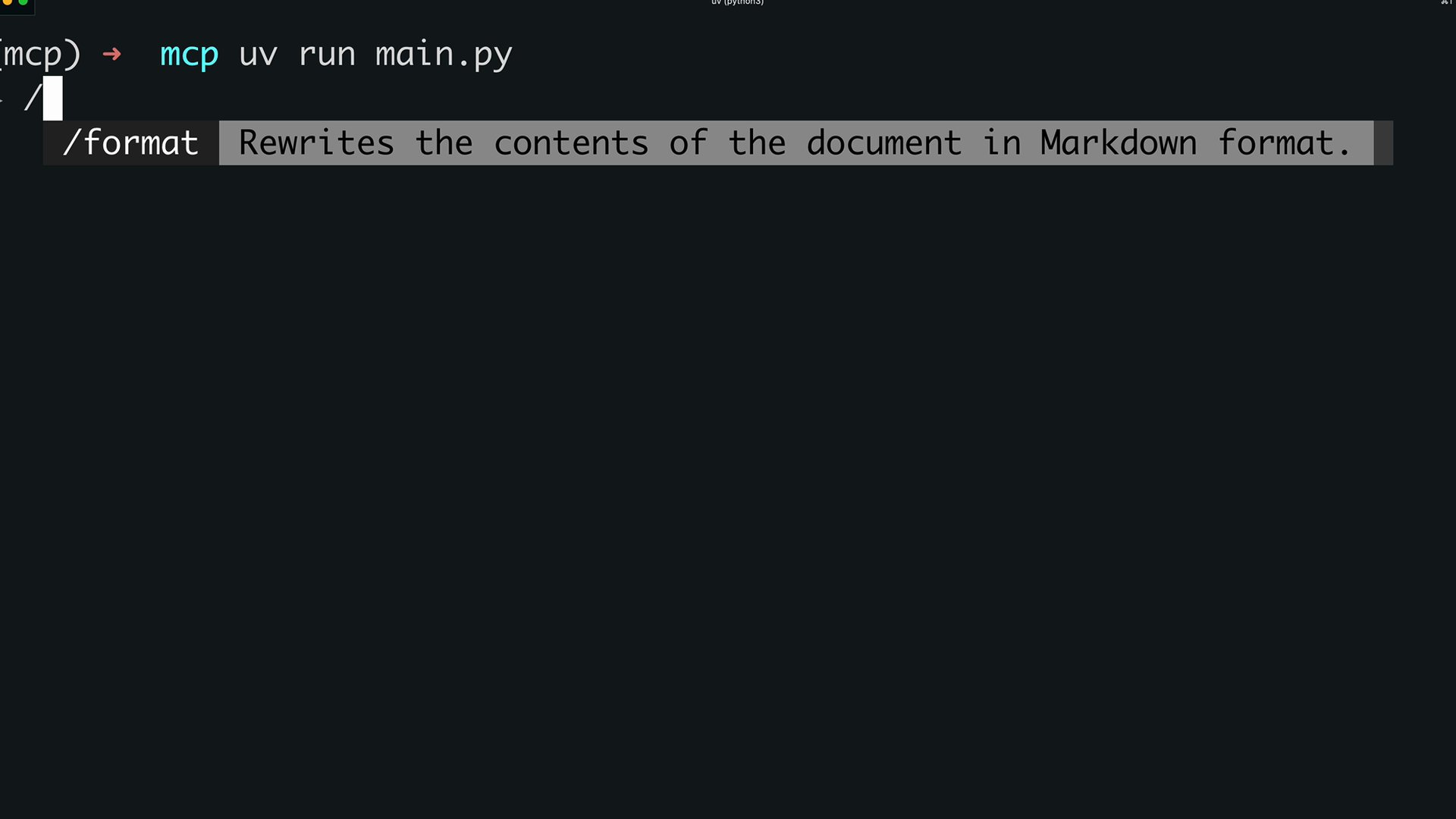
How Prompts Work
Prompts define a set of user and assistant messages that can be used by the client. These prompts should be high quality, well-tested, and relevant to the overall purpose of your MCP server.
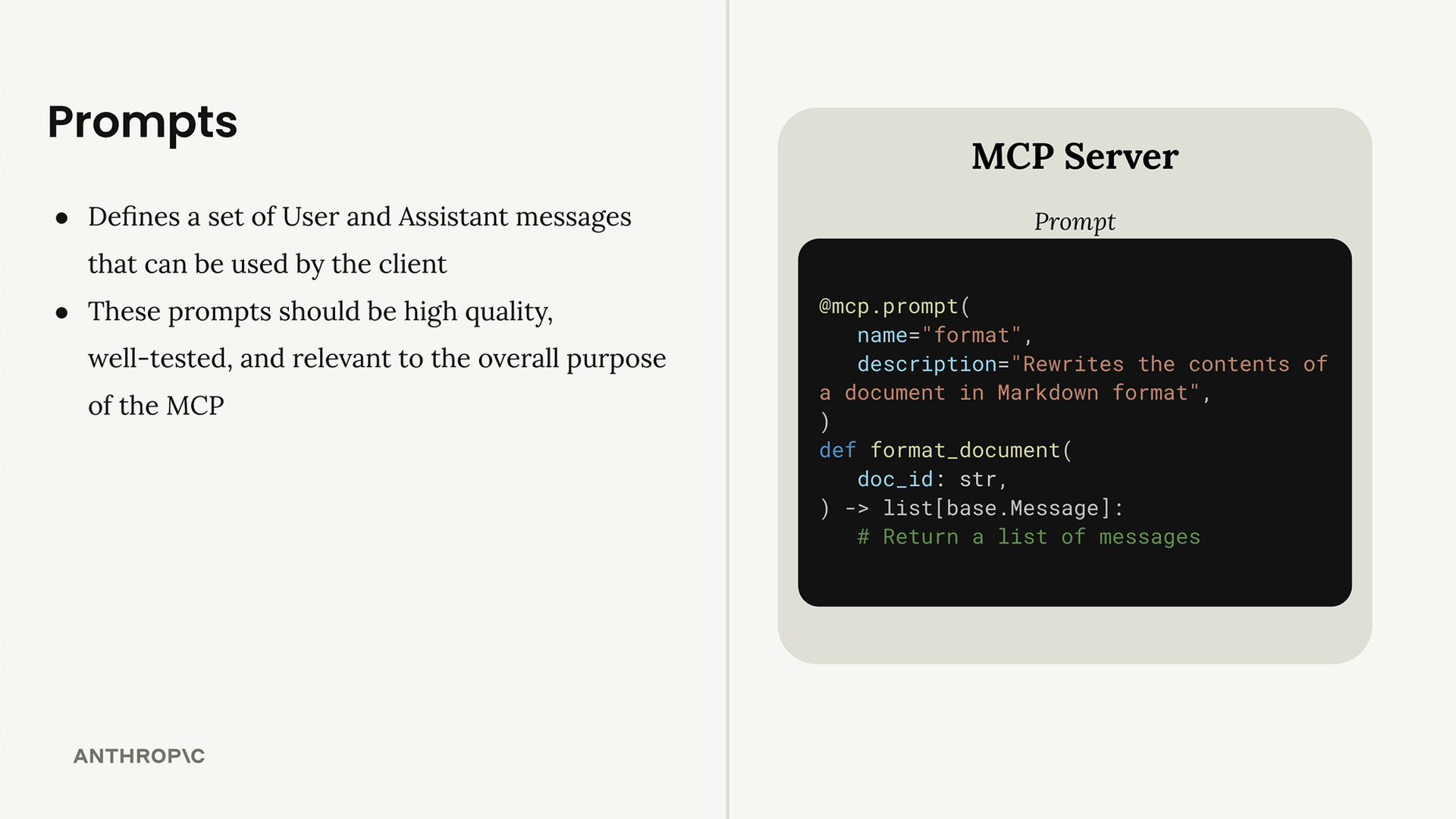
The workflow is:
- Write and evaluate a prompt relevant to your MCP server's purpose
- Define the prompt inside your MCP server using the
@mcp.promptdecorator - Your client can request that prompt at any time
- When requesting the prompt, provide arguments that get passed as keyword arguments to the prompt function
- The function uses those arguments to customize the prompt content
This system creates reusable, parameterized prompts that can be shared across different clients and use cases, making your MCP server more versatile and powerful.
🔁 Related lessons
- Next: MCP review
- Previous: Defining prompts
- Same section: Overview of Claude Models · Accessing the API · Making a request
- Part of paths: Path C
- Reference docs: Glossary · Skills atlas · By use-case
📚 Source & attribution
- Original Anthropic Academy lesson: https://anthropic.skilljar.com/claude-in-amazon-bedrock/276795
- © 2025 Anthropic. Educational fair-use only.