📖 Lesson content
Summary
When building prompt evaluation workflows, graders provide objective signals about output quality. A grader takes model output and returns some kind of measurable feedback - typically a number between 1-10, where 10 represents high quality and 1 represents poor quality.
Types of Graders
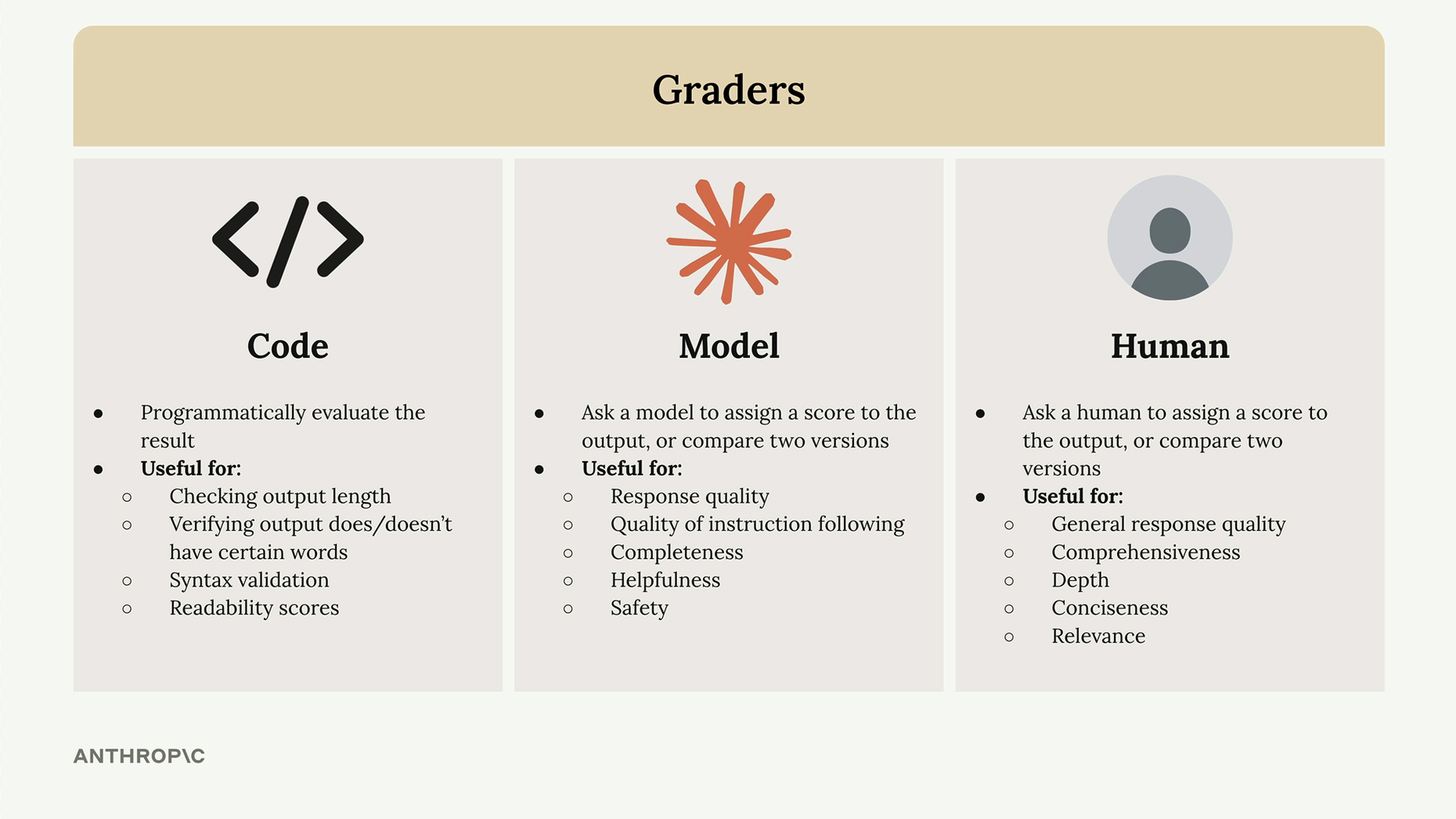
There are three main approaches to grading model outputs:
- Code graders - Programmatically evaluate outputs using custom logic
- Model graders - Use another AI model to assess quality
- Human graders - Have people manually review and score outputs
Code Graders
Code graders let you implement any programmatic check you can imagine. Common uses include:
- Checking output length
- Verifying output does/doesn't have certain words
- Syntax validation for JSON, Python, or regex
- Readability scores
The only requirement is that your code returns some measurable signal when it runs.
Model Graders
Model graders make an additional API request to evaluate the original output. This approach offers tremendous flexibility for assessing:
- Response quality
- Quality of instruction following
- Completeness
- Helpfulness
- Safety
Human Graders
Human graders provide the most flexibility but are time-intensive and tedious. They're useful for evaluating:
- General response quality
- Comprehensiveness
- Depth
- Conciseness
- Relevance
Defining Evaluation Criteria
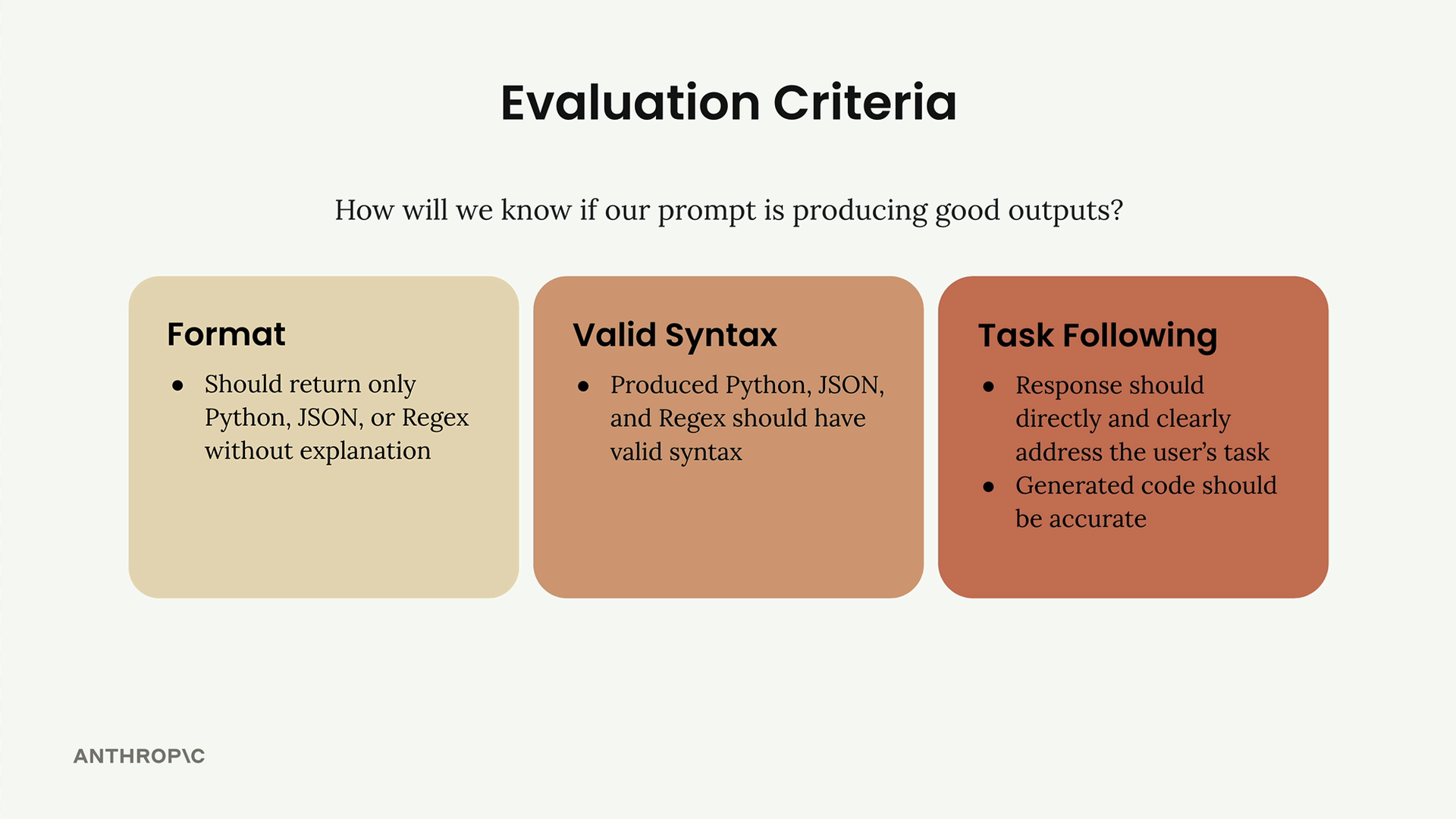
Before implementing any grader, you need clear evaluation criteria. For a code generation prompt, you might focus on:
- Format - Should return only Python, JSON, or Regex without explanation
- Valid Syntax - Produced code should have valid syntax
- Task Following - Response should directly address the user's task with accurate code
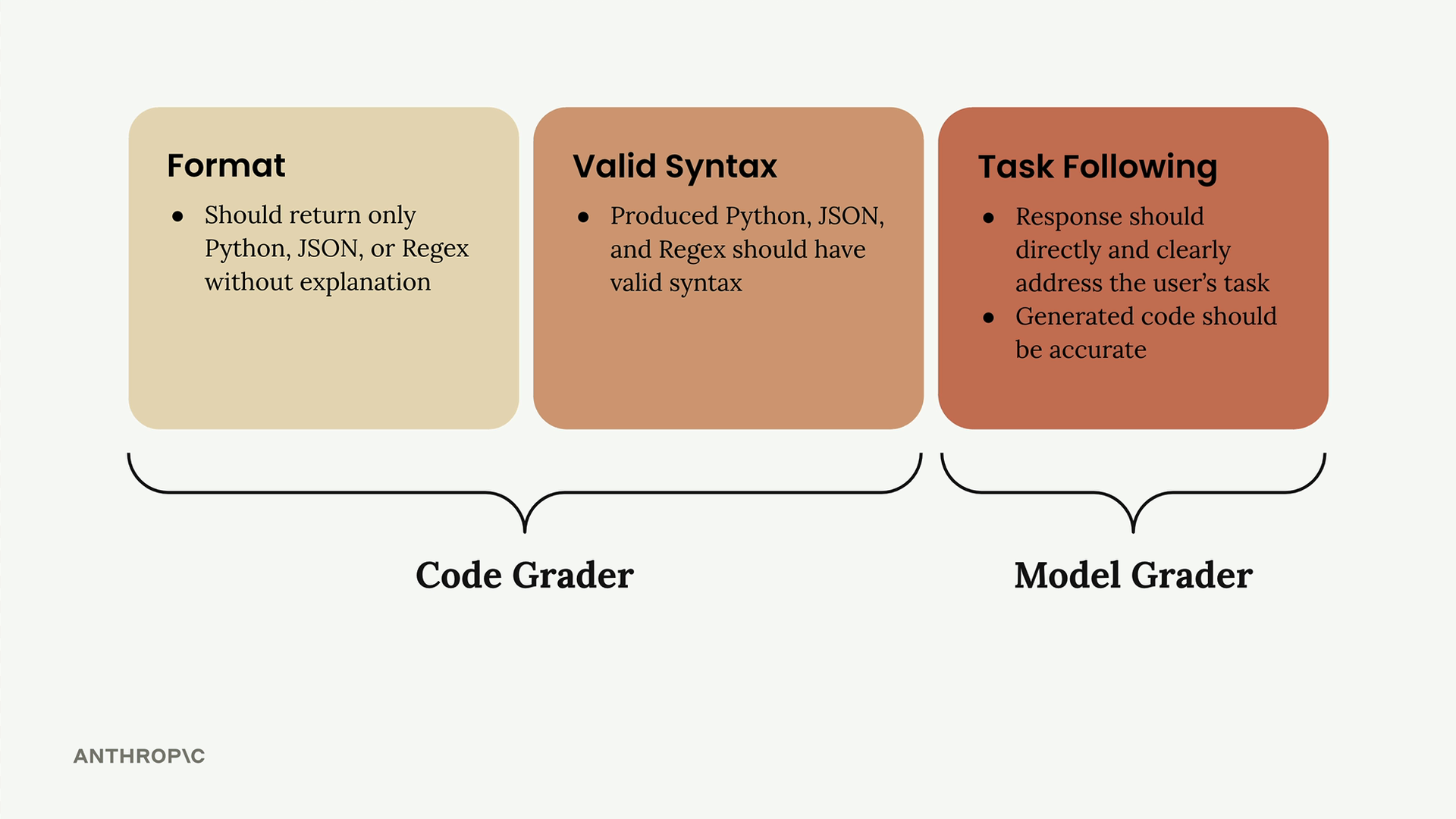
The first two criteria work well with code graders, while task following is better suited for model graders due to their flexibility.
Implementing a Model Grader
Here's how to build a model grader function:
def grade_by_model(test_case, output):
    # Create evaluation prompt
    eval_prompt = """
    You are an expert code reviewer. Evaluate this AI-generated solution.

    Task: {task}
    Solution: {solution}

    Provide your evaluation as a structured JSON object with:
    - "strengths": An array of 1-3 key strengths
    - "weaknesses": An array of 1-3 key areas for improvement
    - "reasoning": A concise explanation of your assessment
    - "score": A number between 1-10
    """

    messages = []
    add_user_message(messages, eval_prompt)
    add_assistant_message(messages, "```json")

    eval_text = chat(messages, stop_sequences=["```"])
    return json.loads(eval_text)
The key insight is asking for strengths, weaknesses, and reasoning alongside the score. Without this context, models tend to default to middling scores around 6. ## Integrating the Grader Update your test case function to use the model grader: def run_test_case(test_case): output = run_prompt(test_case) # Get model evaluation model_grade = grade_by_model(test_case, output) score = model_grade["score"] reasoning = model_grade["reasoning"] return { "output": output, "test_case": test_case, "score": score, "reasoning": reasoning } ## Calculating Average Scores To get an overall performance metric, calculate the average score across all test cases: ``` from statistics import mean def run_eval(dataset): results = [] for test_case in dataset: result = run_test_case(test_case) results.append(result) average_score = mean([result["score"] for result in results]) print(f"Average score: {average_score}") return results ``` ` This gives you a concrete, objective metric to track prompt performance over time. While model graders can be somewhat inconsistent, they provide a starting point for measuring and improving your prompts systematically. ` ````
🔁 Related lessons
- Next: Code based grading
- Previous: Running the eval
- Same section: Overview of Claude Models · Accessing the API · Making a request
- Part of paths: Path C
- Reference docs: Glossary · Skills atlas · By use-case
📚 Source & attribution
- Original Anthropic Academy lesson: https://anthropic.skilljar.com/claude-in-amazon-bedrock/276738
- © 2025 Anthropic. Educational fair-use only.