📖 Lesson content
Summary
Beyond crafting better prompts, there are two powerful techniques for controlling Claude's output: prefilled assistant messages and stop sequences. These methods give you precise control over how Claude responds and when it stops generating text.
Prefilled Assistant Messages
Message prefilling lets you provide the beginning of Claude's response, which strongly influences the direction of its answer. Instead of letting Claude decide how to start its response, you give it a specific opening that steers the conversation.
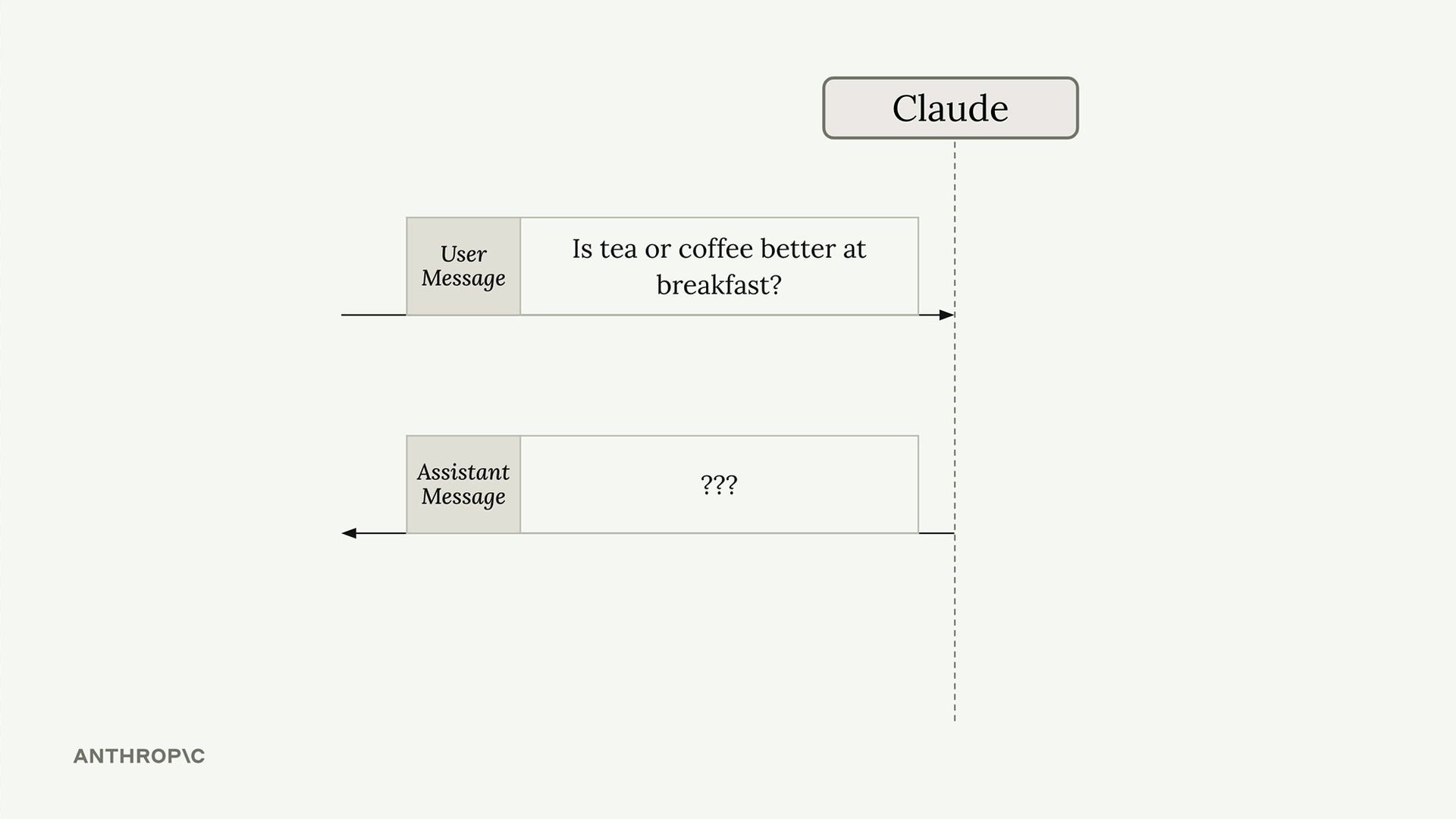
Here's how it works: you build your normal list of messages with the user's question, but then add an assistant message at the end containing the start of the response you want. When Claude processes this, it sees the assistant message and thinks "I've already started responding to this question, so I should continue from where I left off."
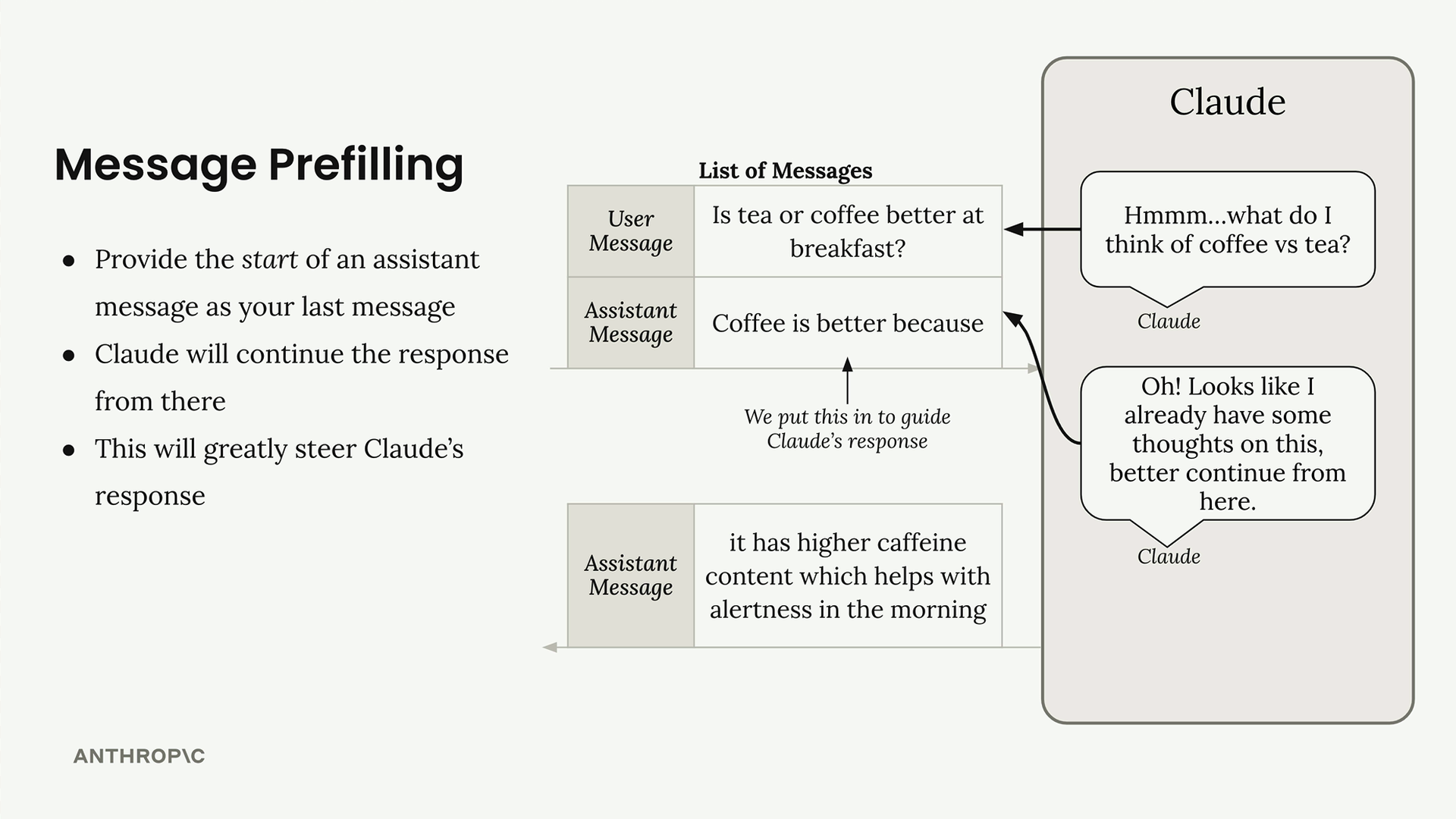
For example, if you ask "Is tea or coffee better at breakfast?" and prefill with "Coffee is better because", Claude will continue from that point and build a response supporting coffee. The key insight is that Claude will pick up exactly where your prefilled text ends - it won't repeat what you've written.
Let's see this in practice:
messages = []
add_user_message(messages, "Is coffee or tea better for breakfast?")
add_assistant_message(messages, "Coffee is better because")

chat(messages)
This returns something like "it has more caffeine." Notice that Claude continues directly from your prefilled text, so you'll need to combine both parts to get the complete response: "Coffee is better because it has more caffeine."
You can steer Claude in any direction by changing your prefilled text:
"Tea is better because"- pushes toward tea"They are the same because"- creates a neutral response
Stop Sequences
Stop sequences force Claude to end its response immediately when it generates specific text. This is useful when you want to truncate output at a particular point or prevent Claude from continuing past a certain marker.
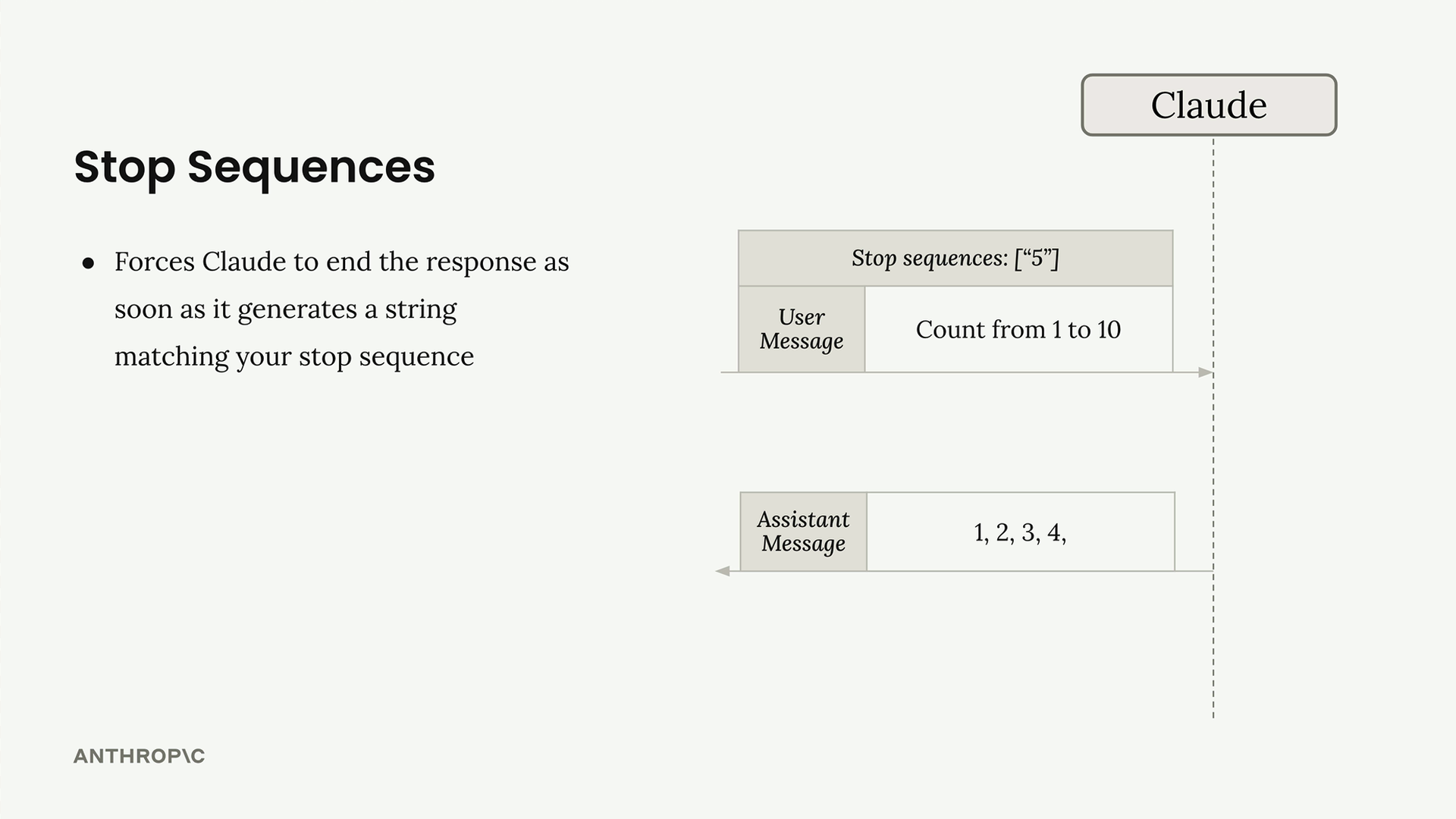
The concept is straightforward: you provide a list of strings, and as soon as Claude generates any of those strings, it stops and returns whatever it has generated so far. The stop sequence itself is not included in the response.
To use stop sequences, you need to modify your chat function to accept them as a parameter:
def chat(messages, system=None, temperature=1.0, stop_sequences=[]):
    params = {
        "modelId": model_id,
        "messages": messages,
        "inferenceConfig": {
            "temperature": temperature,
            "stopSequences": stop_sequences
        },
    }
Here's a practical example:
messages = []
add_user_message(messages, "Count from 1 to 10")

chat(messages, stop_sequences=["5"])
This returns "1, 2, 3, 4," and stops before including the "5". You can specify multiple stop sequences, and Claude will stop at whichever one it encounters first:
chat(messages, stop_sequences=["5", "3, 4"])
Stop sequences are particularly useful for:
- Controlling the length of responses
- Stopping at natural breakpoints in structured output
- Preventing Claude from continuing past specific markers or delimiters
Both techniques give you fine-grained control over Claude's behavior, allowing you to shape responses in ways that simple prompting alone cannot achieve.
Downloads
🔁 Related lessons
- Next: Structured data
- Previous: Streaming
- Same section: Overview of Claude Models · Accessing the API · Making a request
- Part of paths: Path C
- Reference docs: Glossary · Skills atlas · By use-case
📚 Source & attribution
- Original Anthropic Academy lesson: https://anthropic.skilljar.com/claude-in-amazon-bedrock/276723
- © 2025 Anthropic. Educational fair-use only.