(Show All)_ · **Lesson 4/6** · [🌐 Vietnamese](../../vi/04-skills-vs-other-claude-code-features/vi.md)
← Previous · 📋 Course TOC · Next →
Skills vs. other Claude Code features
👨💻 Track: Developer Track · 📚 Course: Introduction to Agent Skills · ⏱ 15 minutes · 🧭
Path C
📖 Lesson content
What you'll learn
Estimated time: 15 minutes
By the end of this lesson you'll be able to:
- Compare skills to CLAUDE.md, subagents, hooks, and MCP servers
- Choose the right Claude Code customization feature for a given use case
- Design a complementary setup that combines multiple features effectively
Skills vs. other Claude Code features
(3 minutes)
Claude Code offers several customization options, and choosing the wrong one can lead to unnecessary complexity. This video breaks down when to use skills versus CLAUDE.md, subagents, hooks, and MCP servers. You'll learn the key differences between each option and how they complement each other in a typical development setup.
Key takeaways
- CLAUDE.md loads into every conversation and is best for always-on project standards. Skills load on demand and are best for task-specific expertise
- Subagents run in isolated execution contexts — use them for delegated work. Skills add knowledge to your current conversation
- Hooks are event-driven (fire on file saves, tool calls). Skills are request-driven (activate based on what you're asking)
- MCP servers provide external tools and integrations — a different category entirely from skills
- Each feature handles its own specialty — combine them rather than forcing everything into one approach
Claude Code offers several customization options: Skills, CLAUDE.md, subagents, hooks, and MCP servers. They solve different problems, and knowing when to use each prevents you from building the wrong thing. Let's break them down.
CLAUDE.md vs Skills
CLAUDE.md loads into every conversation, always. If you want Claude to use TypeScript strict mode in your project, put it in your CLAUDE.md file.
Skills load on demand. When Claude matches a request to a skill, that skill's instructions join the conversation. Your PR review checklist doesn't need to be in context when you're writing new code — it activates when you ask for a review.
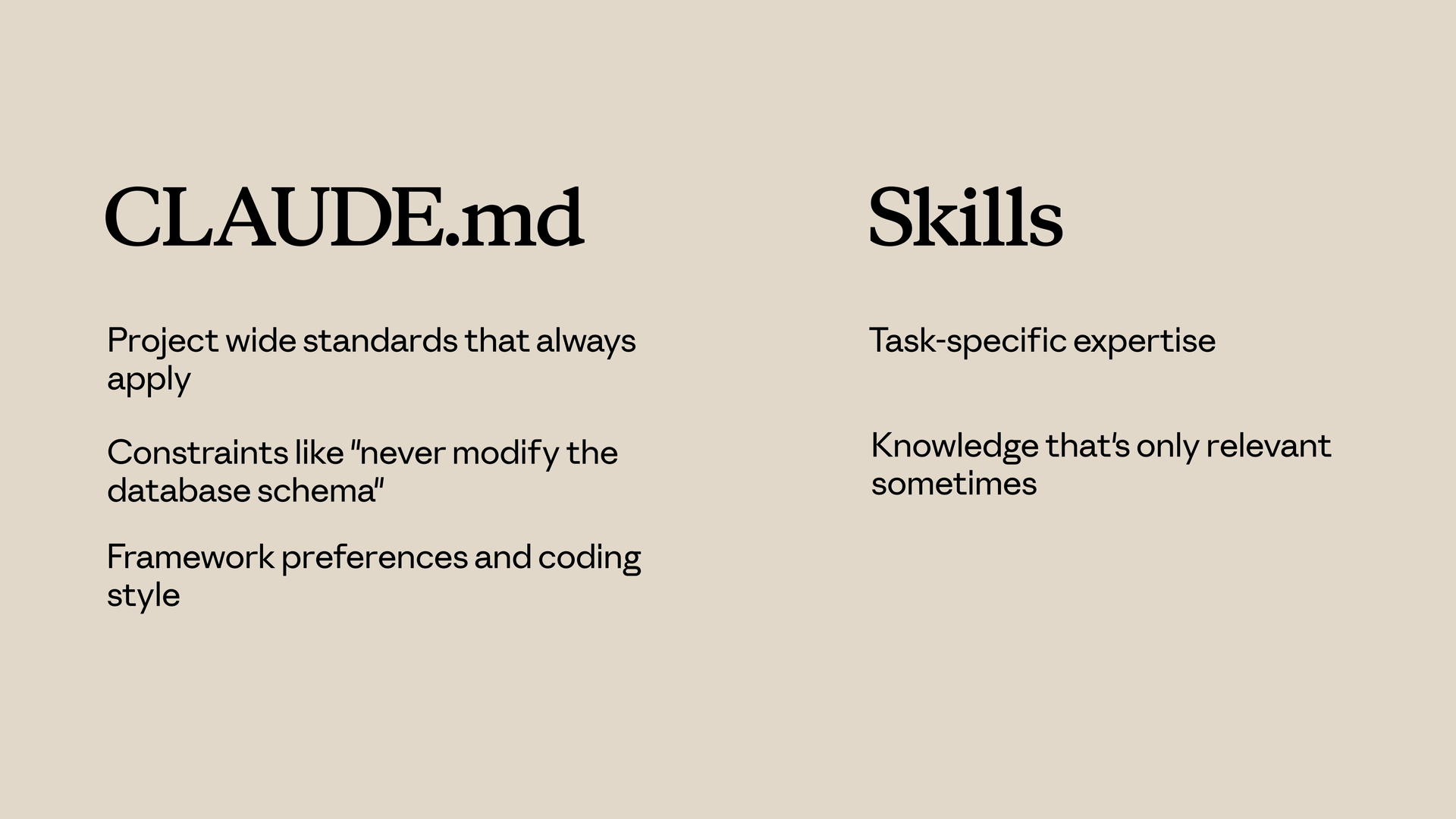
Use CLAUDE.md for:
- Project-wide standards that always apply
- Constraints like "never modify the database schema"
- Framework preferences and coding style
Use Skills for:
- Task-specific expertise
- Knowledge that's only relevant sometimes
- Detailed procedures that would clutter every conversation
Skills vs Subagents
Skills add knowledge to your current conversation. When a skill activates, its instructions join the existing context.
Subagents run in a separate context. They receive a task, work on it independently, and return results. They're isolated from the main conversation.
Use Subagents when:
- You want to delegate a task to a separate execution context
- You need different tool access than the main conversation
- You want isolation between delegated work and your main context
Use Skills when:
- You want to enhance Claude's knowledge for the current task
- The expertise applies throughout a conversation
Skills vs Hooks
Hooks fire on events. A hook might run a linter every time Claude saves a file, or validate input before certain tool calls. They're event-driven.
Skills are request-driven. They activate based on what you're asking.
Use Hooks for:
- Operations that should run on every file save
- Validation before specific tool calls
- Automated side effects of Claude's actions
Use Skills for:
- Knowledge that informs how Claude handles requests
- Guidelines that affect Claude's reasoning
Putting It All Together
A typical setup might include:
- CLAUDE.md — always-on project standards
- Skills — task-specific expertise that loads on demand
- Hooks — automated operations triggered by events
- Subagents — isolated execution contexts for delegated work
- MCP servers — external tools and integrations
Each handles its own specialty. Don't force everything into skills when another option fits better — and you can use multiple at a time. Skills provide automatic task-specific expertise, CLAUDE.md is for always-on instructions, subagents run in isolated contexts, hooks fire on events, and MCP provides external tools.
Use skills when you have knowledge that Claude should apply automatically when the topic is relevant, and combine them with other features for comprehensive customization.
Lesson reflection
- Look at your current CLAUDE.md file. Is there anything in it that would work better as a skill (loaded only when relevant)?
- Think about your team's development workflow. Which combination of Claude Code features (skills, hooks, subagents, MCP) would address your most common pain points?
What's next
In the next lesson, you'll learn how to share skills with your team and organization — from committing them to repositories, to distributing via plugins, to enterprise-wide deployment through managed settings.
Feedback
As you progress through the course, we'd love to hear how you're using skills in your work, plus any feedback you may have. Share your feedback here.
🎬 Video transcript
Source video:
IgNN4v0BJdU
📜 Click to expand transcript (cleaned + AI-translated)
Claude Customization Options: Claude.md, Skills, Sub-agents, and Hooks
Claude offers several customization options: Skills, claude.md, Sub-agents, Hooks, and MCP servers. They solve different problems, and knowing when to use each prevents you from building the wrong thing.
Claude.md: Project-Wide Standards
claude.md loads into every conversation, always. If you want Claude to use TypeScript strict mode in a project, put it in your claude.md file.
Use claude.md for:
- Project-wide standards that always apply.
- Constraints (e.g., "never modify the database schema").
- Framework preferences and general coding style.
Skills: Task-Specific Expertise
Skills load on demand. When Claude matches a request, the skill activates. For example, your PR review checklist doesn't need to be in the context when you're writing new code; it only activates when you ask for a review. Skills add knowledge directly to your current conversation.
Use Skills for:
- Task-specific expertise.
- Knowledge that is only relevant occasionally.
- Detailed procedures that would clutter every conversation.
Sub-agents: Isolated Execution
Sub-agents run in a separate context. They receive a task, work on it independently, and return results. They are isolated from the main conversation.
Use Sub-agents when:
- You want to delegate a task to a separate execution context.
- You need different tool access than the main conversation has.
- You want isolation between delegated work and your main context.
Hooks vs. Skills
Hooks fire on events. A hook might run a linter every time Claude saves a file or validate input before certain tool calls. They are event-driven, while skills are request-driven (activating based on what you are asking).
Use Hooks for:
- Operations that should run on every file save.
- Validation before specific tool calls.
- Automated side effects of Claude's actions.
Use Skills for:
- Knowledge that informs how Claude handles requests.
- Guidelines that affect Claude's reasoning.
Comprehensive Customization with MCP
MCP (Model Context Protocol) provides external tools to the system. A typical setup might include:
- A
claude.mdfile for always-on project standards. - Skills for task-specific expertise.
- Hooks for automated operations.
Each handles its own specialty. Don't force everything into skills when another option fits best; you can use multiple options at a time. Use skills when you have knowledge that Claude should apply automatically when the topic is relevant, and combine them with other features for comprehensive customization.
🔁 Related lessons
- Next: Sharing skills
- Previous: Configuration and multi-file skills
- Same section: What are skills? · Creating your first skill · Configuration and multi-file skills
- Part of paths: Path C
- Reference docs: Glossary · Skills atlas · By use-case
📚 Source & attribution
- Original Anthropic Academy lesson: https://anthropic.skilljar.com/introduction-to-agent-skills/434528
- © 2025 Anthropic. Educational fair-use only.