📖 Lesson content
By the end of this lesson, you will be able to:
- Recognize common file and document tasks that fit Cowork well
- Write prompts that name the input, the transformation, and the output
- Use example prompts as templates for your own work
Estimated time: 10 minutes
Video: Working with files
Key takeaways
- Cowork produces real files. Presentations with editable charts. Spreadsheets with working formulas. Documents with track changes. The files themselves are saved to your drive, ready to open.
- The output is native. A chart in a Cowork-made deck is an editable chart. You can click in, adjust the data, change the formatting—same as anything you made by hand.
- Templates and brand rules compound. Once you've made a brand-guidelines skill (Lesson 6), every file Cowork produces can reference it.
Tasks you'll reach for early
Overview
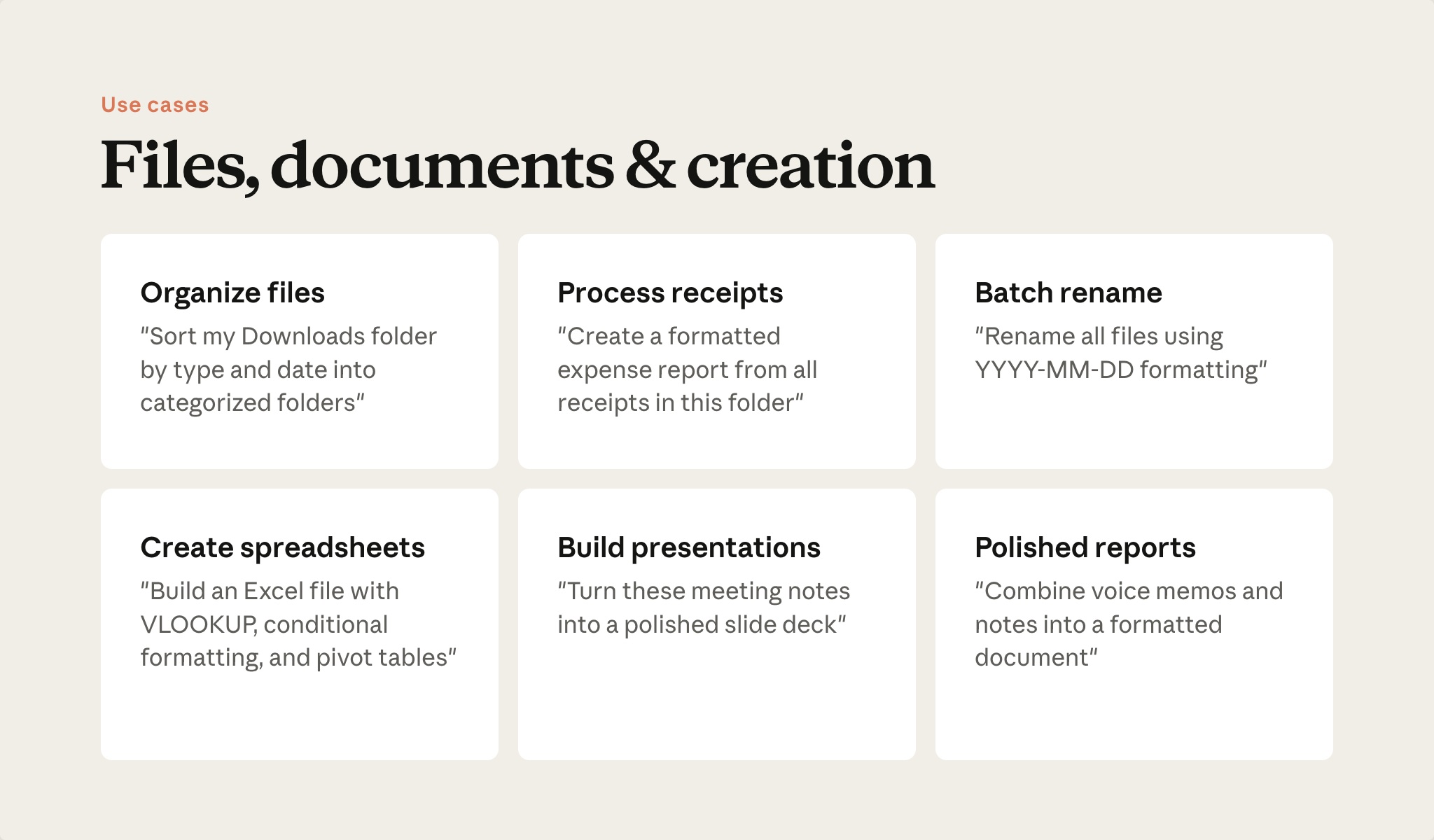
These prompts are good starting points. Notice the shape: each one names the input, the transformation, and the output.
Organize what you have
"Sort my Downloads folder by file type into dated subfolders."
"Rename all files in this folder using a consistent date-first format."
"Create a formatted expense report from the receipts in this folder."
Create what you need
"Build a project tracking spreadsheet from these notes, with status columns and a summary view."
"Turn these meeting notes into a slide deck. Use the brand-guidelines skill."
"Combine the transcripts and notes in this folder into a formatted report."
The prompt pattern
- Input — Where the source material is. "my Downloads folder", "these meeting notes", "this folder"
- Transformation — What to do with it. "sort by type", "turn into a slide deck", "combine into"
- Output — What format to produce. "dated subfolders", "a spreadsheet with a summary view", "a formatted report"
"Clean up my files" has none of these elements. "Sort my Downloads by file type into dated subfolders" has all three. The first gets you a clarifying question. The second gets you work.
Put it into practice
Take one of the prompts above. Replace the specifics with your own: your folder, your file types, your output format. Run it.
For more task ideas, browse the Cowork use-case gallery.
What's next
Next, you'll see where Cowork does something chat can't as easily: research and analysis at a scale that's hard to hold in a chat window.
Feedback
Share your feedback here.
🎬 Video transcript
Source video:
LpGpwhORWr0
Video
LpGpwhORWr0: Silent UI demo video — no spoken narration. The lesson body explains what the demo shows.
🔁 Related lessons
- Next: Research & analysis at scale
- Previous: Scheduled tasks
- Same section: Research & analysis at scale
- Part of paths: Path B
- Reference docs: Glossary · Skills atlas · By use-case
📚 Source & attribution
- Original Anthropic Academy lesson: https://anthropic.skilljar.com/introduction-to-claude-cowork/444170
- © 2025 Anthropic. Educational fair-use only.