📖 Lesson content
By the end of this lesson, you will be able to:
- Set up a scheduled task to run work on a recurring cadence
- Understand how scheduled tasks behave when the app is closed or the machine is asleep
Estimated time: 8 minutes
Running work on a cadence
Overview
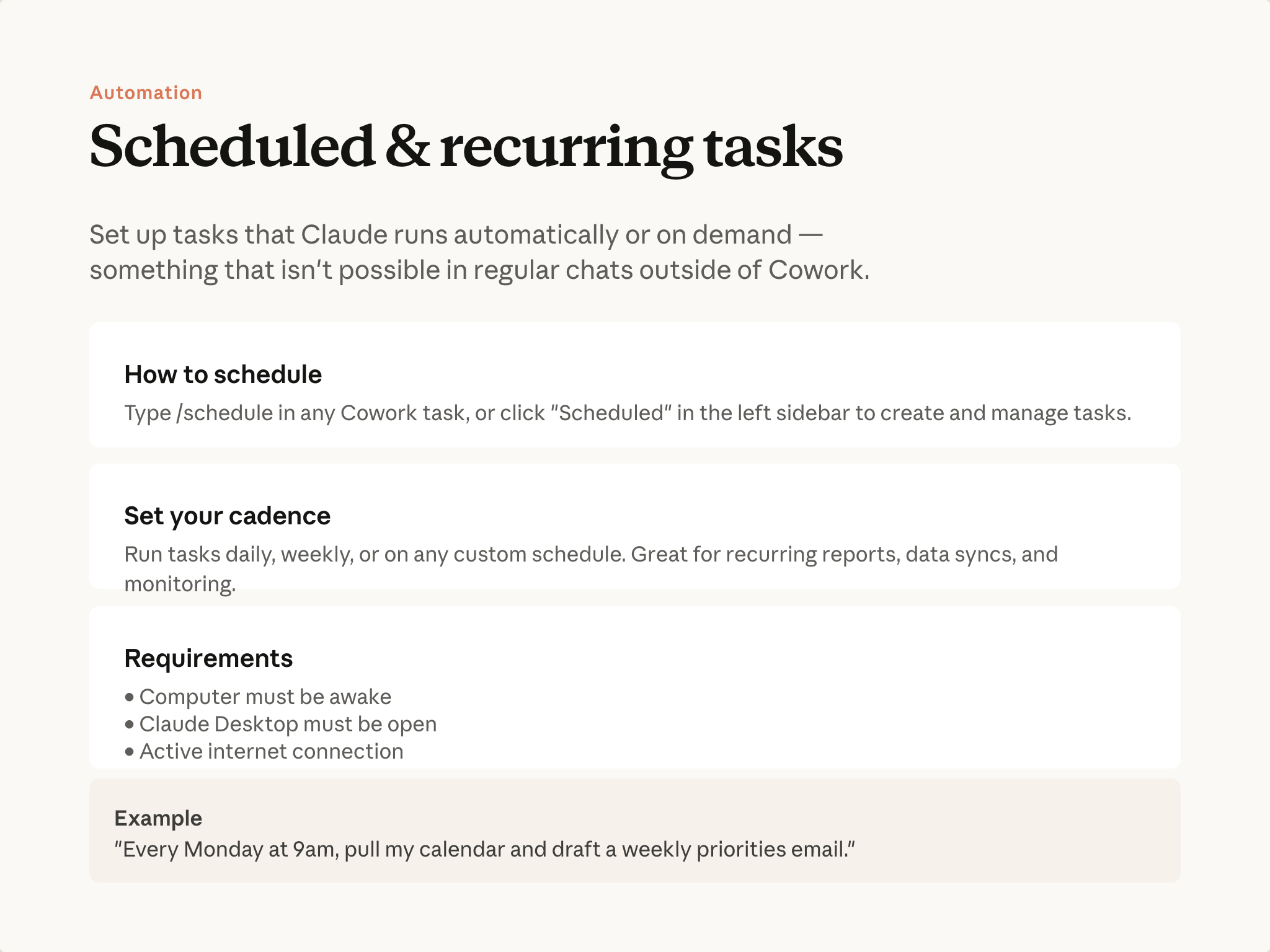
Scheduled tasks run any Cowork task automatically on a cadence you set—hourly, daily, weekly, or custom. The task can be anything: a prompt you've written, a plugin skill, or a workflow you've refined. Once you have something that works well, you can stop prompting for it each time.
"Every Monday at 9am, pull my calendar and draft a weekly priorities email."
Setting one up
Type /schedule in any Cowork conversation, or use the scheduled tasks area in the sidebar. Claude walks you through the cadence, the folder, and what the output should look like.
There's an approval step, since you're signing off on something that will run repeatedly. Once approved, the task runs on its own while the desktop app is open. If your computer was asleep or the app was closed when a task was due, Cowork runs it as soon as you're back and lets you know it was delayed.
If you create a scheduled task from inside a project, it appears alongside that project's other scheduled work—a quick way to see everything running on a cadence for one piece of work.
Managing scheduled tasks
From the scheduled tasks area, you can review past runs, edit the instructions or cadence, pause a task, or trigger it on demand. Any connectors and plugins you've set up are available to scheduled tasks too.
See more on scheduled tasks in the Help Center.
A common pattern
Scheduled tasks and skills compose naturally. A skill encodes what to do; a scheduled task decides when. A briefing skill scheduled for 8am weekdays means the briefing is waiting every morning.
But you don't need a skill to schedule something. Any task that works well is a candidate.
Put it into practice
Think of something you currently do on a cadence—a weekly status pull, a daily folder check, a recurring report. You don't have to schedule it yet. Just note it: once you've run it successfully once in Cowork, scheduling it is one more step.
What's next
In the next module, you'll see common Cowork use cases in practice: working with files and documents, and research and analysis at scale.
Feedback
Share your feedback here.
🔁 Related lessons
- Next: File & document tasks
- Previous: Plugins: Cowork as a specialist
- Same section: Plugins: Cowork as a specialist
- Part of paths: Path B
- Reference docs: Glossary · Skills atlas · By use-case
📚 Source & attribution
- Original Anthropic Academy lesson: https://anthropic.skilljar.com/introduction-to-claude-cowork/444169
- © 2025 Anthropic. Educational fair-use only.