📖 Lesson content
Summary
Now that we've built our MCP server, let's review the three core primitives and understand when to use each one. The key insight is understanding who controls each primitive and what purpose they serve in your application.
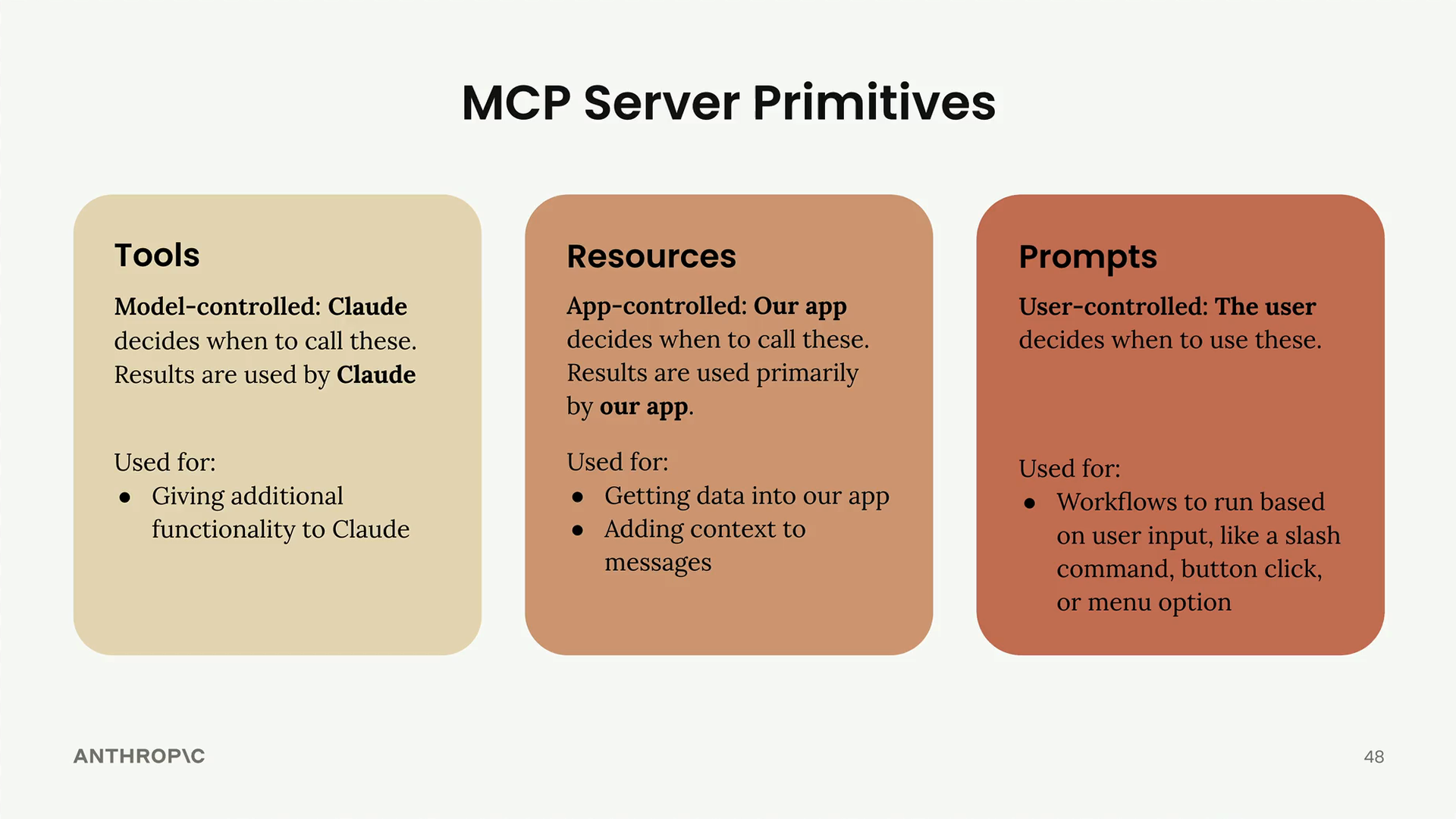
Tools: Model-Controlled
Tools are controlled entirely by Claude. The AI model decides when to call these functions, and the results are used directly by Claude to accomplish tasks.
Use tools when you want to give Claude additional capabilities. For example, if you ask Claude to calculate the square root of 3 using JavaScript, Claude will automatically decide to use a JavaScript execution tool to provide an accurate answer.
Resources: App-Controlled
Resources are controlled by your application code. Your app decides when to fetch resource data and how to use it, typically for UI purposes or to add context to conversations.
Use resources when you need to get data into your app. Common examples include:
- Populating autocomplete options in your UI
- Adding context to messages before sending them to Claude
- Displaying lists of available documents or files
In our project, we used resources to fetch autocomplete suggestions and to augment prompts with additional context.
Prompts: User-Controlled
Prompts are triggered by user actions. Users decide when to run these predefined workflows through UI interactions like button clicks, menu selections, or slash commands.
Use prompts for workflows that users should be able to trigger on demand. These are perfect for:
- Predefined conversation starters
- Common task templates
- Specialized workflows optimized for specific use cases
Real-World Examples
You can see all three primitives in action on Claude's official interface. The conversation starter buttons below the chat input are examples of prompts - user-controlled workflows that begin predefined interactions.
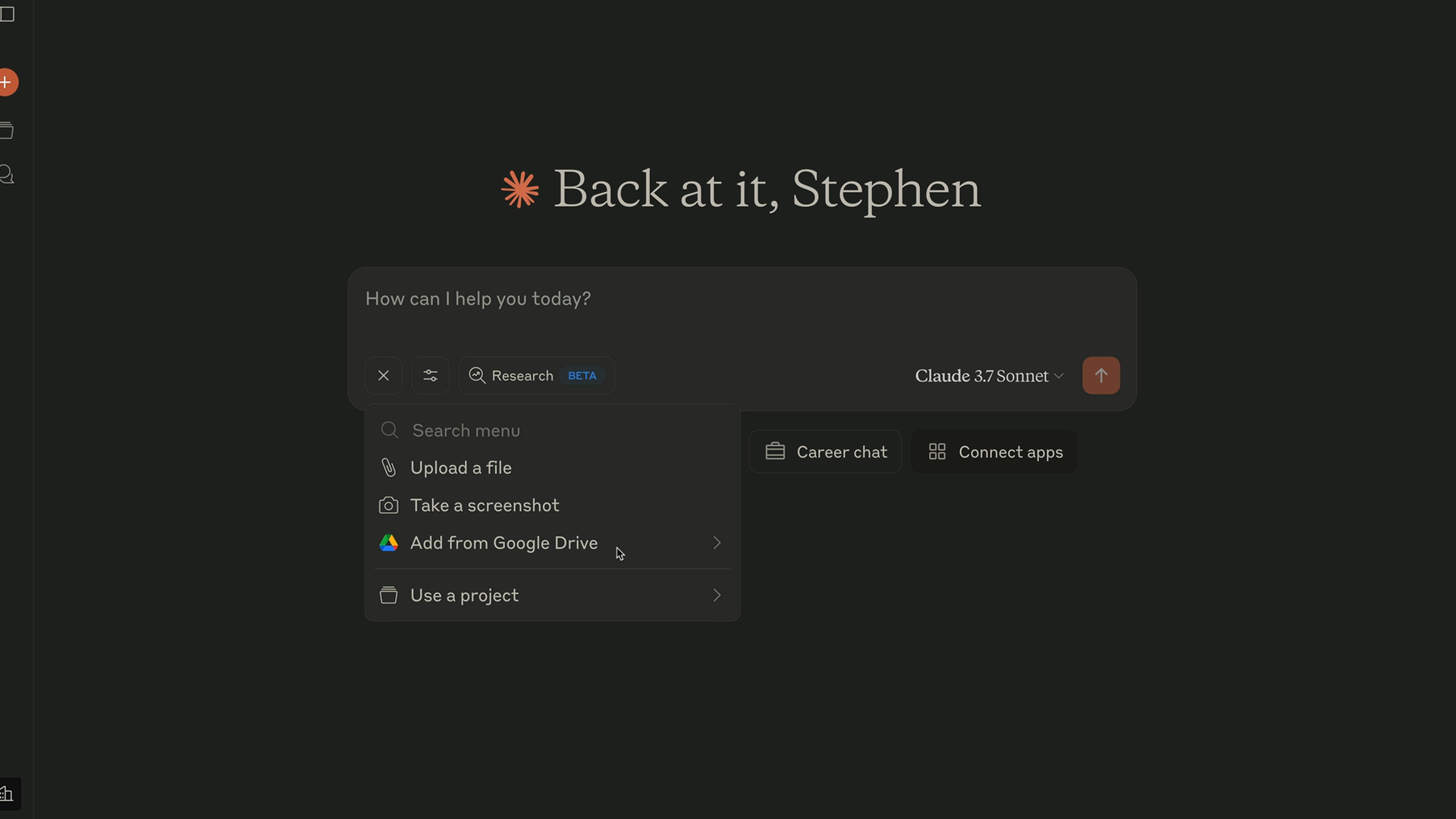
The "Add from Google Drive" option demonstrates resources in action. When you click this button, the application fetches a list of your documents and displays them in the UI. This is app-controlled behavior that serves the interface.
When you ask Claude to perform calculations or execute code, you're seeing tools at work. Claude automatically decides to use available tools like JavaScript execution to provide accurate results.
Choosing the Right Primitive
Here's a quick decision guide:
- Need to extend Claude's capabilities? Use tools
- Need data for your app's UI or context? Use resources
- Want to offer predefined workflows to users? Use prompts
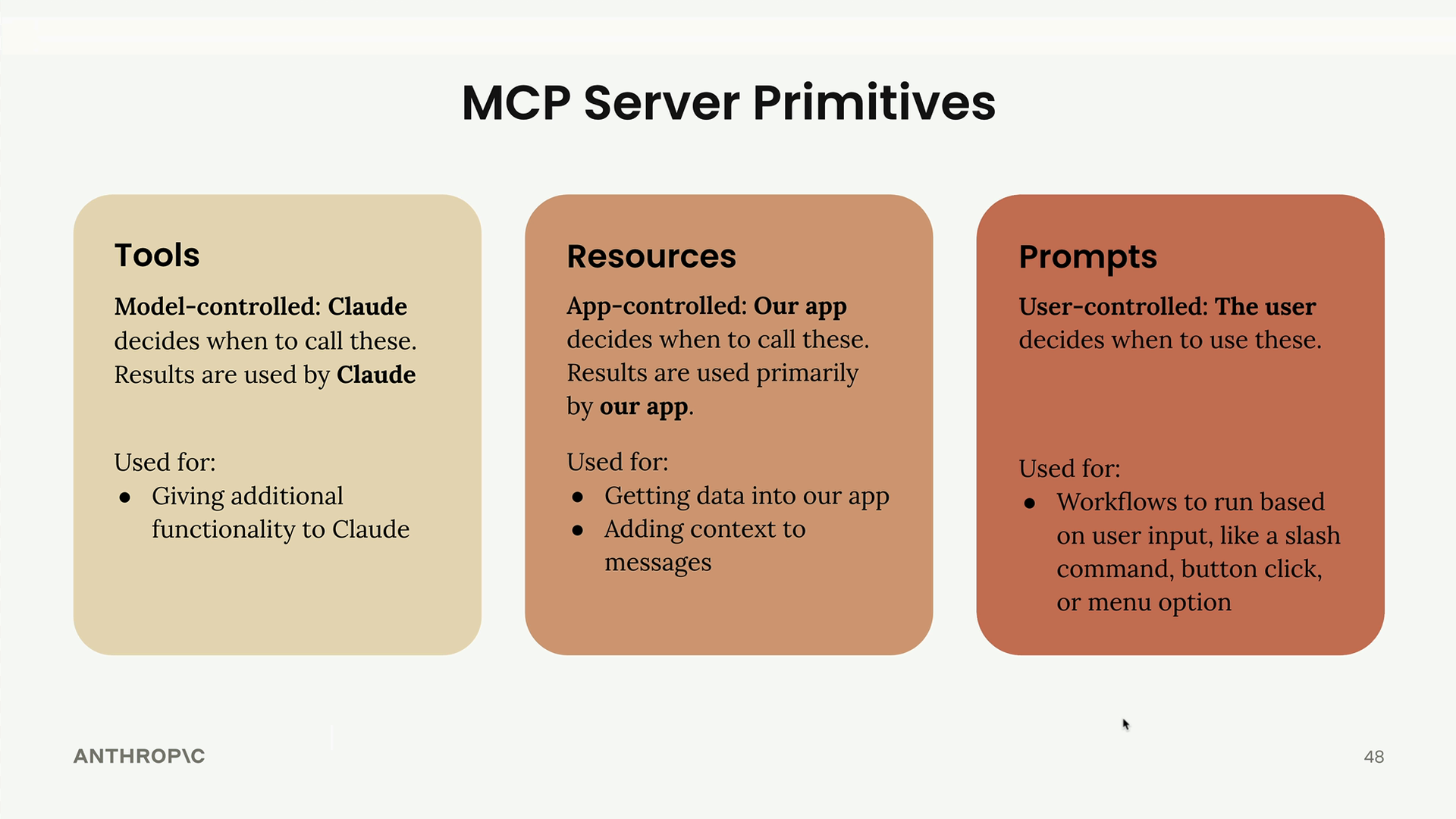
Remember, these are high-level guidelines to help you choose the right approach for your specific needs. Each primitive serves a different part of your application ecosystem - tools serve the model, resources serve your app, and prompts serve your users.
🔁 Related lessons
- Next: Quiz on Model Context Protocol
- Previous: Prompts in the client
- Same section: Making a request · Multi-turn conversations · Chat exercise
- Part of paths: Path C
- Reference docs: Glossary · Skills atlas · By use-case
📚 Source & attribution
- Original Anthropic Academy lesson: https://anthropic.skilljar.com/claude-with-google-vertex/289205
- © 2025 Anthropic. Educational fair-use only.