📖 Lesson content
Summary
The final step in building our MCP client is implementing prompt functionality. This allows us to list all available prompts from the server and retrieve specific prompts with variables interpolated into them.
Implementing List Prompts
The list_prompts method is straightforward. We call the session's list prompts method and return the prompts:
async def list_prompts(self) -> list[types.Prompt]:
    result = await self.session().list_prompts()
    return result.prompts
Getting Individual Prompts
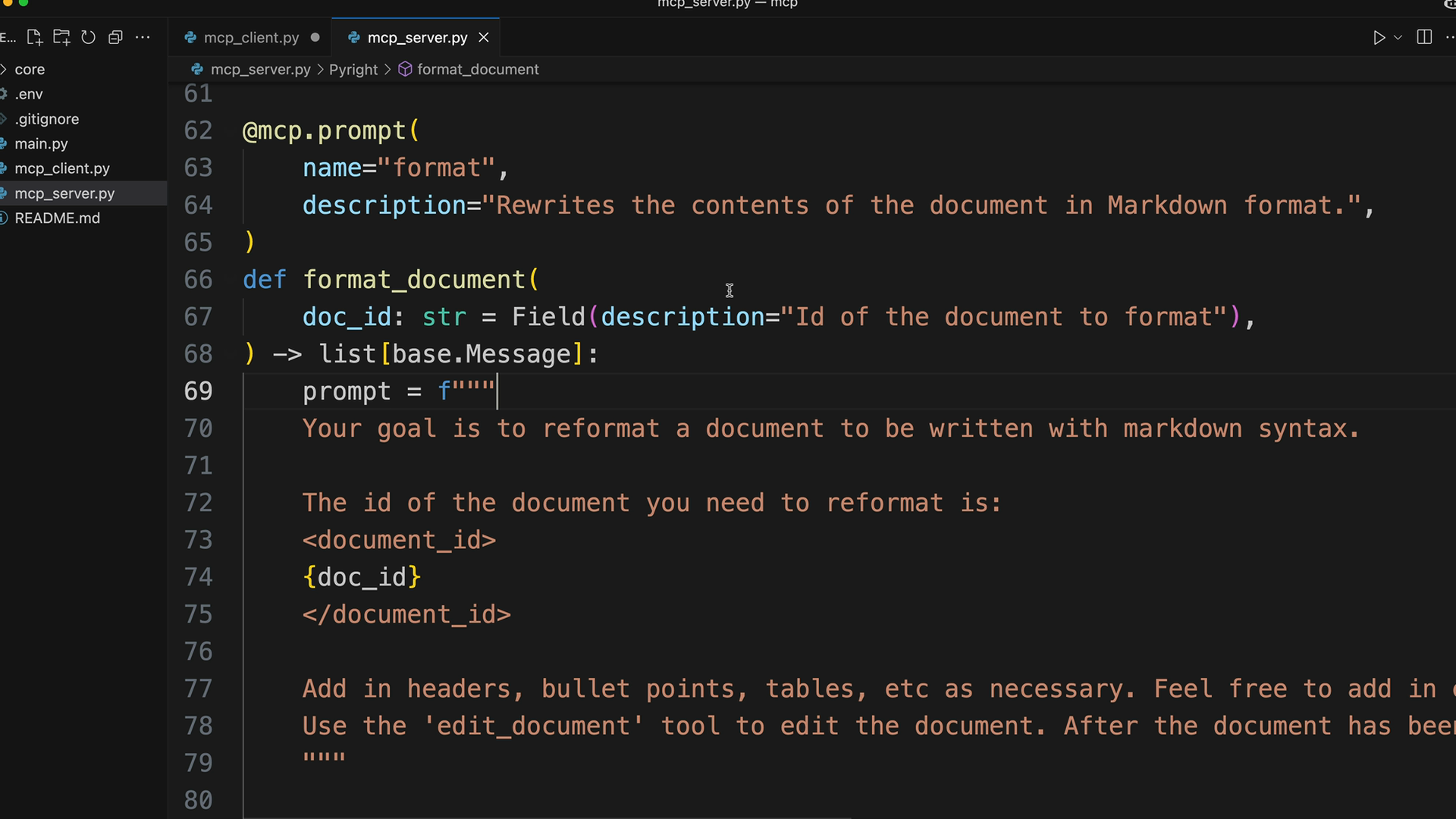
The get_prompt method is more interesting because it handles argument interpolation. When we request a specific prompt, we pass arguments that get injected into the prompt function. For example, if our server has a "format" prompt that expects a doc_id parameter, we provide that value in the arguments dictionary:
async def get_prompt(self, prompt_name, args: dict[str, str]):
    result = await self.session().get_prompt(prompt_name, args)
    return result.messages
The method returns messages that form a conversation ready to be fed directly into Claude.
How Prompt Arguments Work
When you define a prompt function in your MCP server, any parameters become available as interpolation variables. The arguments dictionary you pass to get_prompt provides values for these parameters. The server then generates the complete prompt with your values substituted in the appropriate places.
Testing the Implementation
Once implemented, you can test prompts through the CLI. When you type a forward slash, available prompts appear as commands. Selecting a prompt like "format" will prompt you to choose values for any required arguments (like selecting a document to format). The system then:
- Retrieves the prompt with your arguments interpolated
- Sends the complete prompt to Claude
- Claude executes any necessary tool calls to fulfill the request
- Returns the formatted result
Prompts in Practice
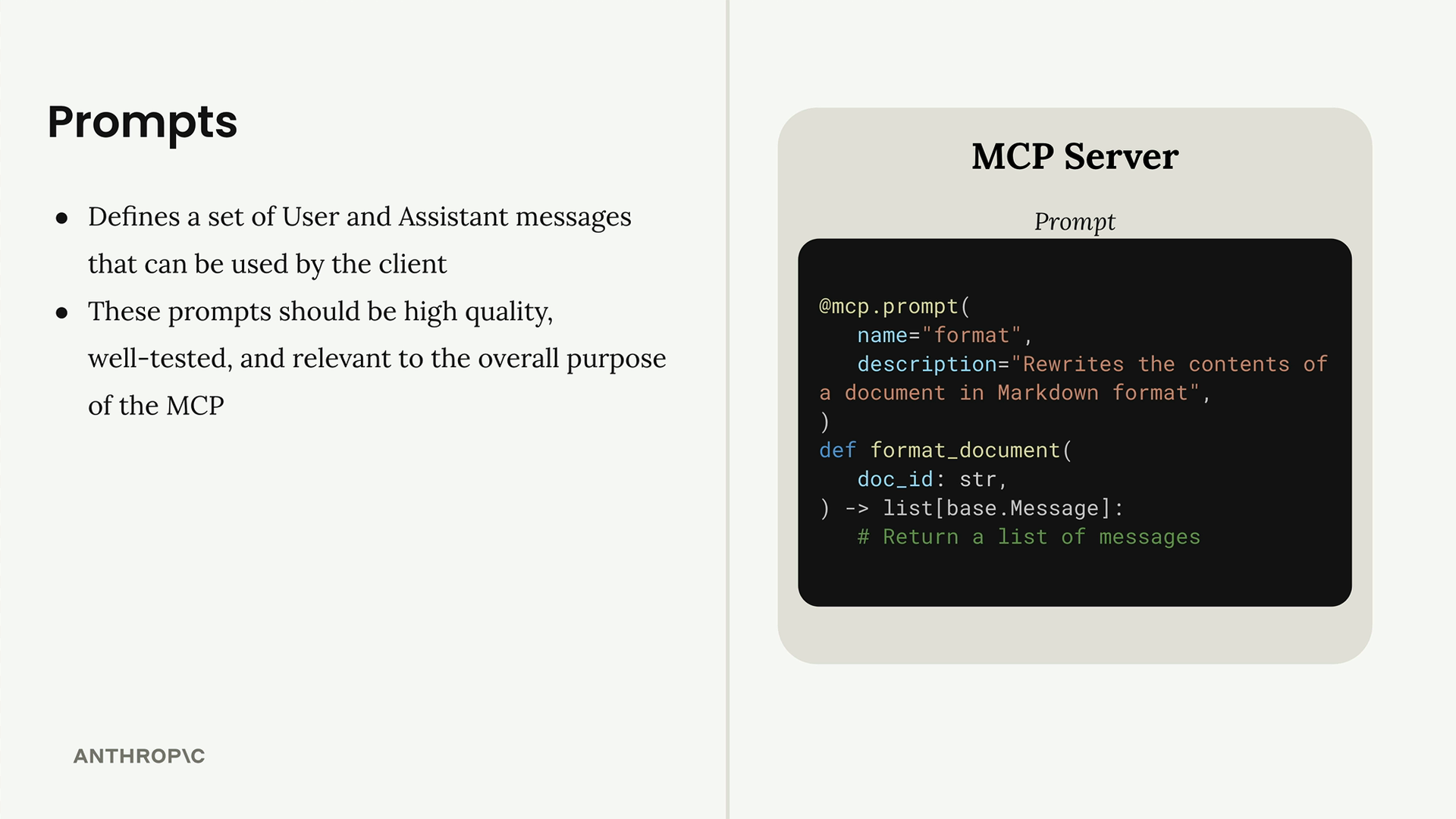
Prompts define reusable sets of user and assistant messages that clients can invoke. They should be high-quality, well-tested, and relevant to your MCP server's purpose. Think of them as pre-built workflows that combine your server's tools and resources to accomplish specific tasks.
The prompt system creates a clean separation between the prompt logic (defined on the server) and the execution (handled by the client and Claude). This makes it easy to create sophisticated, multi-step workflows that users can trigger with simple commands.
🔁 Related lessons
- Next: MCP review
- Previous: Defining prompts
- Same section: Making a request · Multi-turn conversations · Chat exercise
- Part of paths: Path C
- Reference docs: Glossary · Skills atlas · By use-case
📚 Source & attribution
- Original Anthropic Academy lesson: https://anthropic.skilljar.com/claude-with-google-vertex/289209
- © 2025 Anthropic. Educational fair-use only.