📖 Lesson content
Summary
When you need structured data from Claude, you have two main approaches: prompt-based techniques using message prefills and stop sequences, or a more robust method using tools. While the prompt-based approach is simpler to set up, tools provide more reliable output at the cost of additional complexity.
Tools for Structured Data
The tool-based approach works by creating a JSON schema that defines the exact structure of data you want to extract. Instead of hoping Claude formats its response correctly, you're essentially giving Claude a function to call with specific parameters that match your desired output structure.
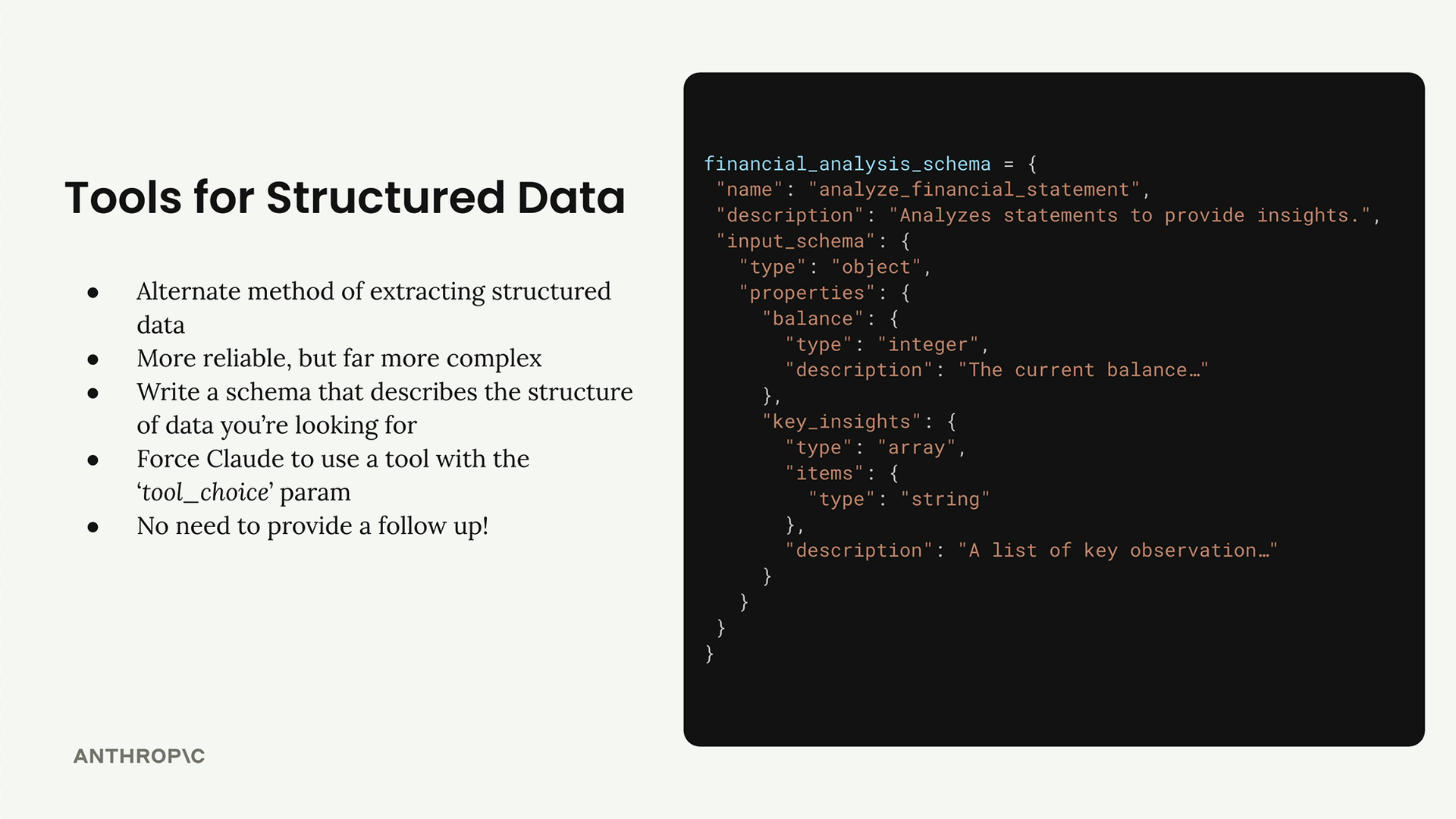
Here's how the process works:
- Write a schema that describes the structure of data you're looking for
- Force Claude to use a tool with the
tool_choiceparameter - Extract the structured data from the tool use response
- No need to provide a follow-up response - you're done once you get the data
For example, if you want to extract a financial balance and key insights from a statement, your schema would define those as an integer and array of strings respectively.
Controlling Tool Use
A critical part of this technique is ensuring Claude actually calls your tool. You can control this behavior using the tool_choice parameter:
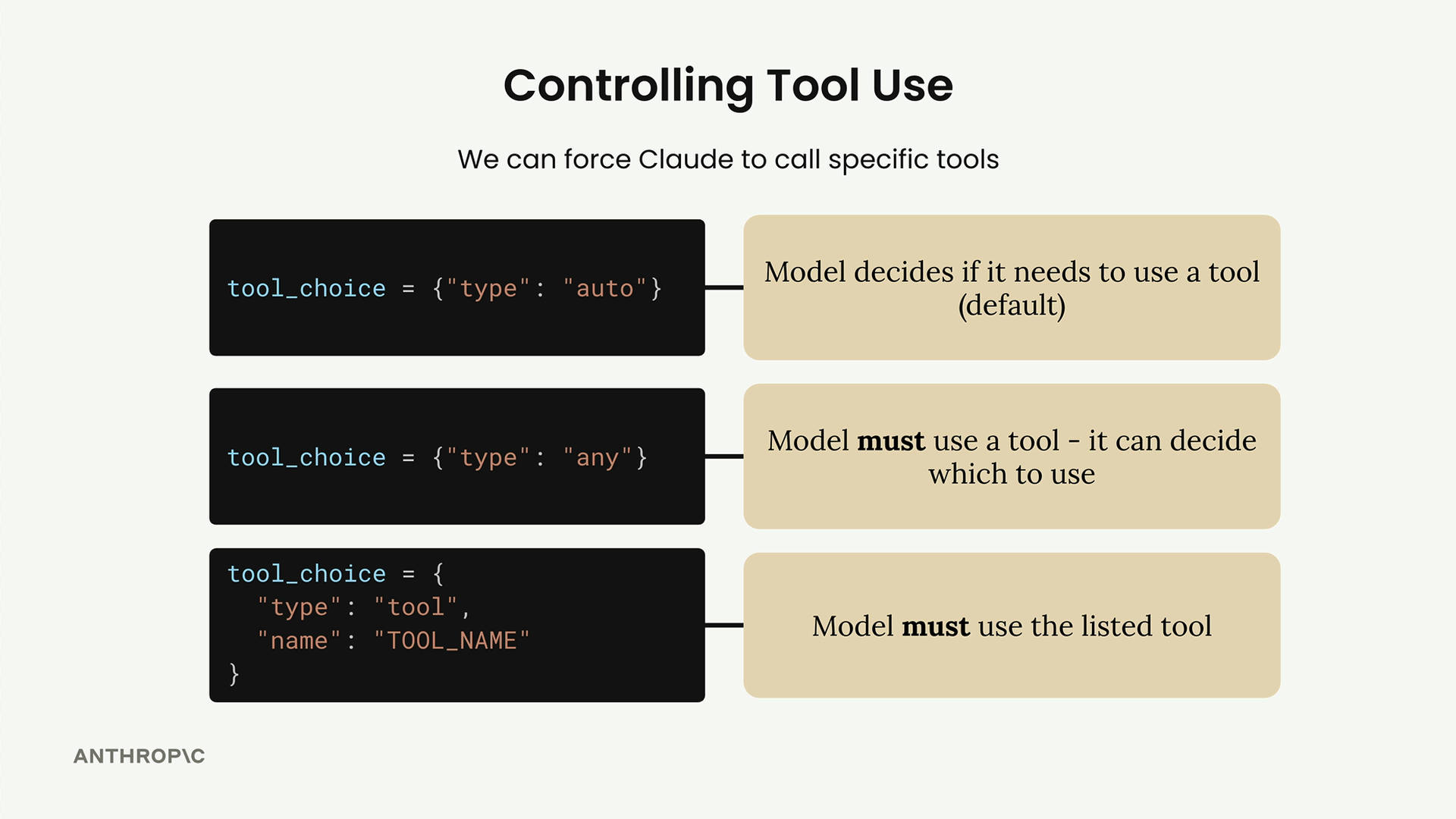
{"type": "auto"}- Model decides if it needs to use a tool (default){"type": "any"}- Model must use a tool, but can choose which one{"type": "tool", "name": "TOOL_NAME"}- Model must use the specified tool
For structured data extraction, you'll typically want the third option to guarantee Claude calls your specific schema tool.
Implementation Example
Let's say you want to extract a title, author, and key insights from an article. First, you'd create a tool schema:
article_summary_schema = {
    "name": "article_summary",
    "description": "Extracts structured data from articles",
    "input_schema": {
        "type": "object",
        "properties": {
            "title": {"type": "string"},
            "author": {"type": "string"},
            "key_insights": {
                "type": "array",
                "items": {"type": "string"}
            }
        }
    }
}
Then you'd call Claude with the tool and force its use:
response = chat(
    messages,
    tools=[article_summary_schema],
    tool_choice={"type": "tool", "name": "article_summary"}
)
The response will contain a tool use block with your structured data in the input field. You can access it directly:
structured_data = response.content[0].input
When to Use Each Approach
Choose prompt-based structured output when you need something quick and simple. Use tools when you need guaranteed reliability and can handle the extra setup complexity. Both techniques are valuable depending on your specific use case and requirements.
Downloads
🔁 Related lessons
- Next: The text edit tool
- Previous: The batch tool
- Same section: Making a request · Multi-turn conversations · Chat exercise
- Part of paths: Path C
- Reference docs: Glossary · Skills atlas · By use-case
📚 Source & attribution
- Original Anthropic Academy lesson: https://anthropic.skilljar.com/claude-with-google-vertex/289181
- © 2025 Anthropic. Educational fair-use only.