📖 Lesson content
Summary
When building AI applications with Claude, you'll often need to give it access to real-time information or the ability to perform actions. This is where tool functions come in - they're Python functions that Claude can call when it needs additional data to help users.
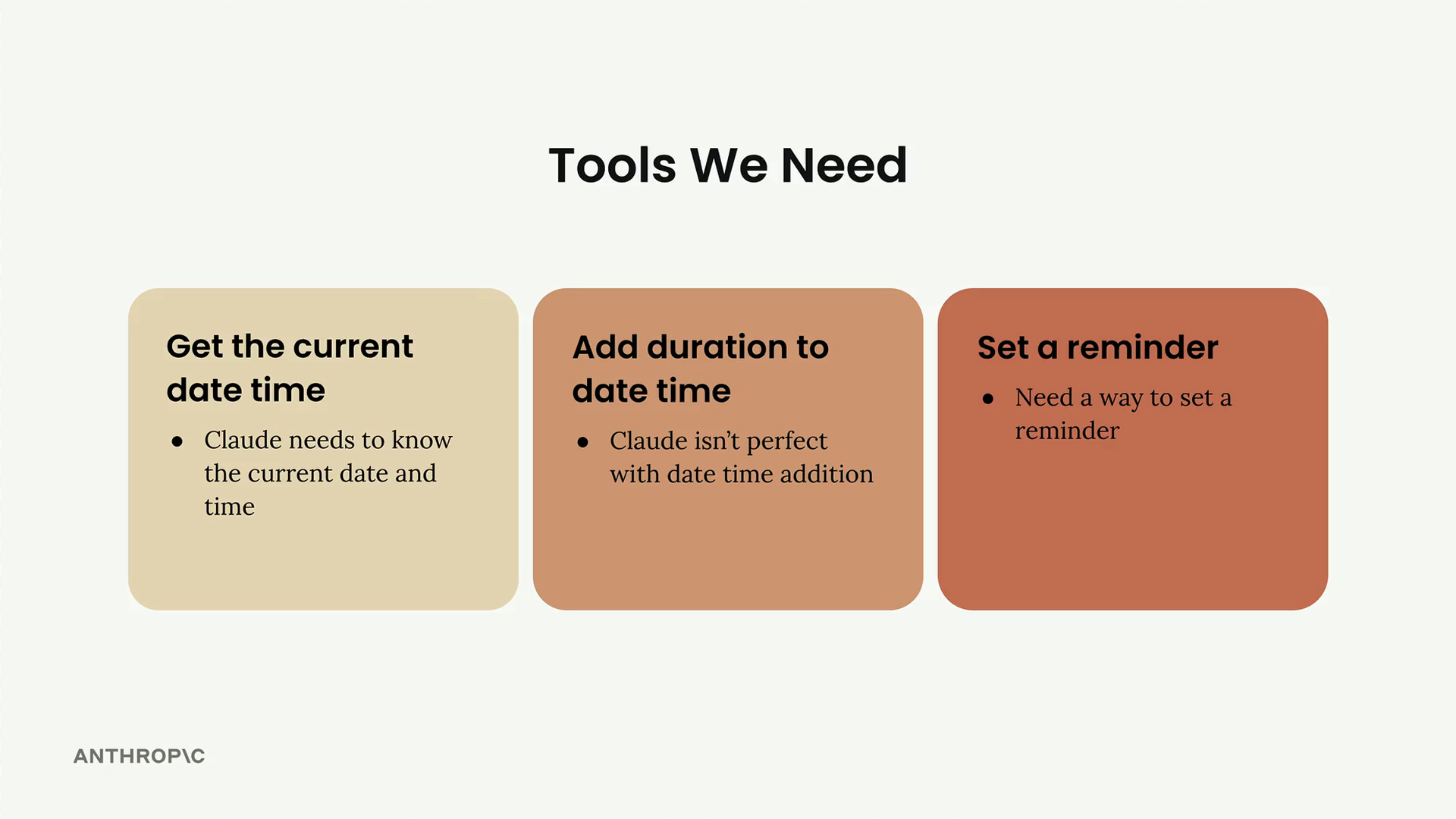
The image above shows three essential tools we'll be implementing: getting the current date/time, adding duration to dates, and setting reminders. Let's start with the first one.
What Are Tool Functions?
A tool function is a plain Python function that gets executed automatically when Claude determines it needs extra information to complete a task. For example, if a user asks "What time is it?", Claude would call your date/time tool to get the current time.
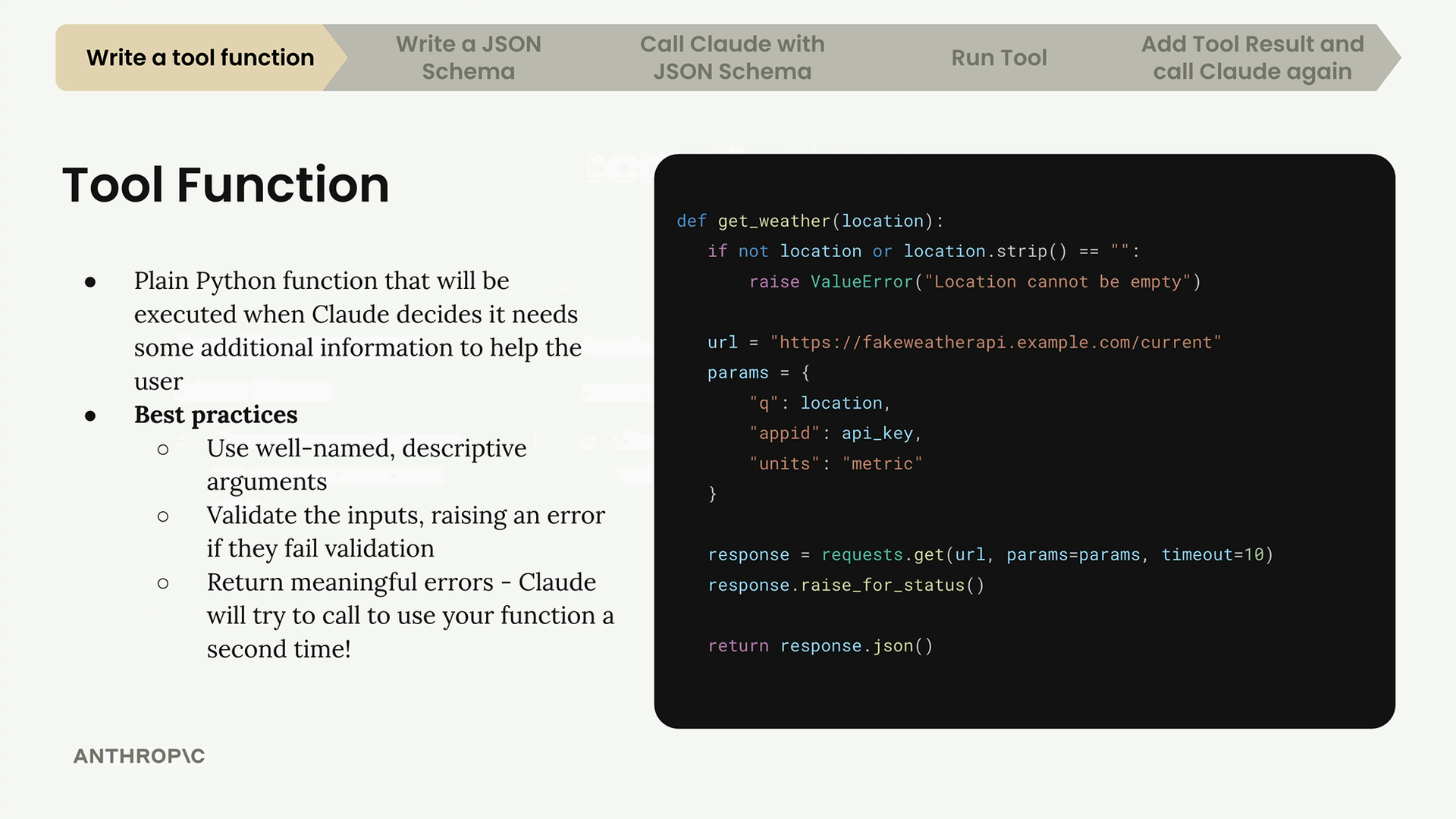
Here's an example of a weather tool function. Notice how it validates inputs and provides clear error messages - these are key best practices we'll follow.
Best Practices for Tool Functions
When writing tool functions, keep these guidelines in mind:
- Use descriptive names: Both your function name and parameter names should clearly indicate their purpose
- Validate inputs: Always check that required parameters are present and valid
- Provide meaningful error messages: If Claude gets an error, it might try calling your function again with corrected parameters
The error handling is particularly important because Claude can learn from failures. If you return a clear error message like "Location cannot be empty", Claude might retry the function call with a proper location value.
Building Your First Tool Function
Let's create a function to get the current date and time. This function will accept a format string to control how the date appears:
def get_current_datetime(date_format="%Y-%m-%d %H:%M:%S"):
    if not date_format:
        raise ValueError("date_format cannot be empty")
    return datetime.now().strftime(date_format)
The default format string "%Y-%m-%d %H:%M:%S" produces output like "2024-03-15 14:30:45". You can customize this by passing different format strings:
get_current_datetime("%H:%M")  # Returns "14:30"

get_current_datetime("%B %d, %Y")  # Returns "March 15, 2024"
Input Validation
The validation check if not date_format: ensures we don't try to format a date with an empty string. While Claude rarely makes this mistake, providing clear error messages helps the AI understand what went wrong and how to fix it.
When Claude encounters an error, it sees the exact error message. This feedback loop allows Claude to adjust its approach and try again with corrected parameters.
Next Steps
This tool function is just the first step. Next, you'll need to create a JSON schema that describes this function to Claude, then integrate it into your chat system. The function itself is straightforward Python - the complexity comes in properly connecting it to Claude's tool-calling system.
Downloads
🔁 Related lessons
- Next: Tool schemas
- Previous: Project overview
- Same section: Making a request · Multi-turn conversations · Chat exercise
- Part of paths: Path C
- Reference docs: Glossary · Skills atlas · By use-case
📚 Source & attribution
- Original Anthropic Academy lesson: https://anthropic.skilljar.com/claude-with-google-vertex/289176
- © 2025 Anthropic. Educational fair-use only.