📖 Lesson content
Summary
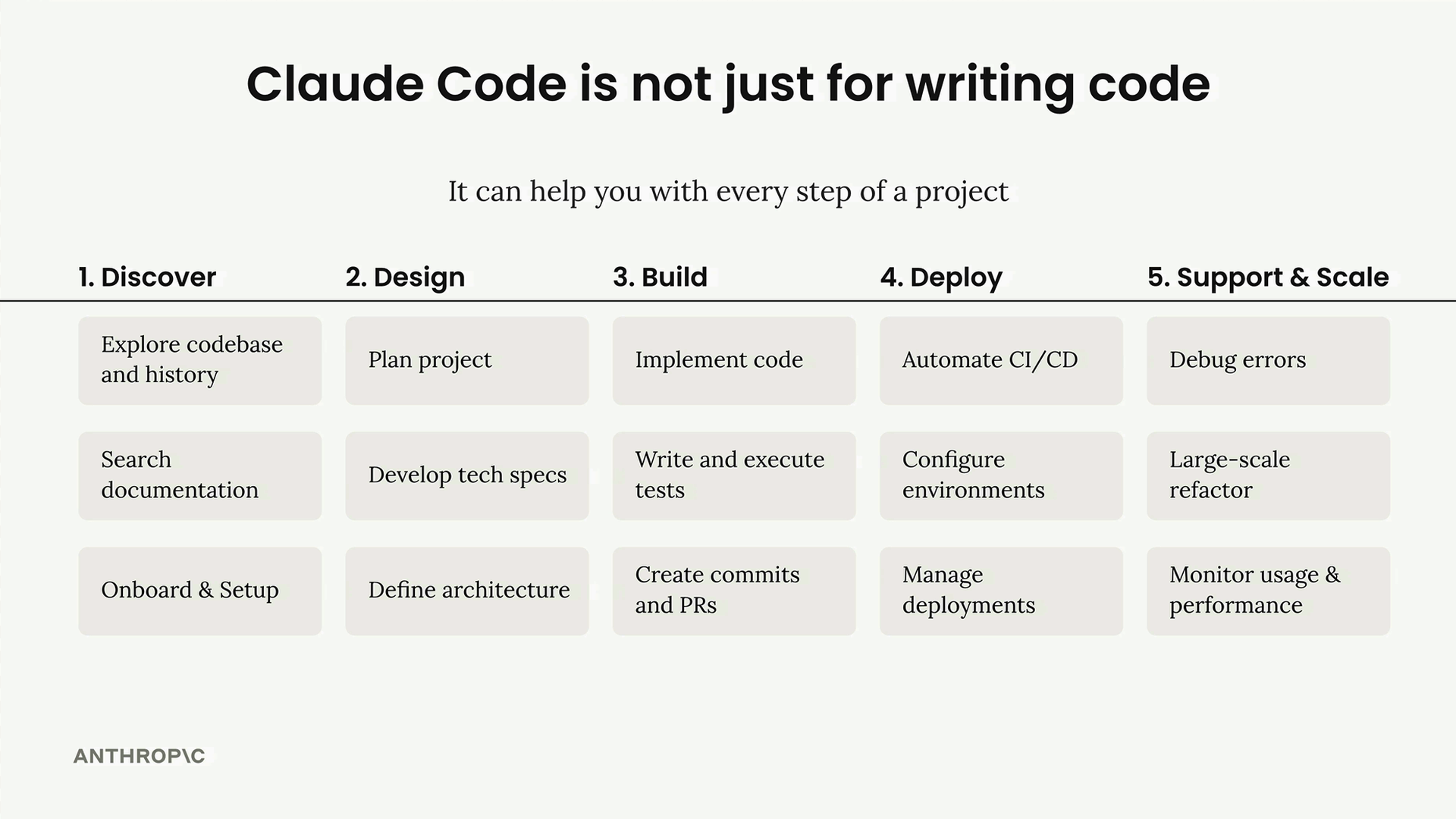
Claude Code isn't just a tool for writing code - it's designed to be your coding partner throughout an entire project lifecycle. From initial setup to deployment and maintenance, Claude can help with every step of software development.
The /init Command
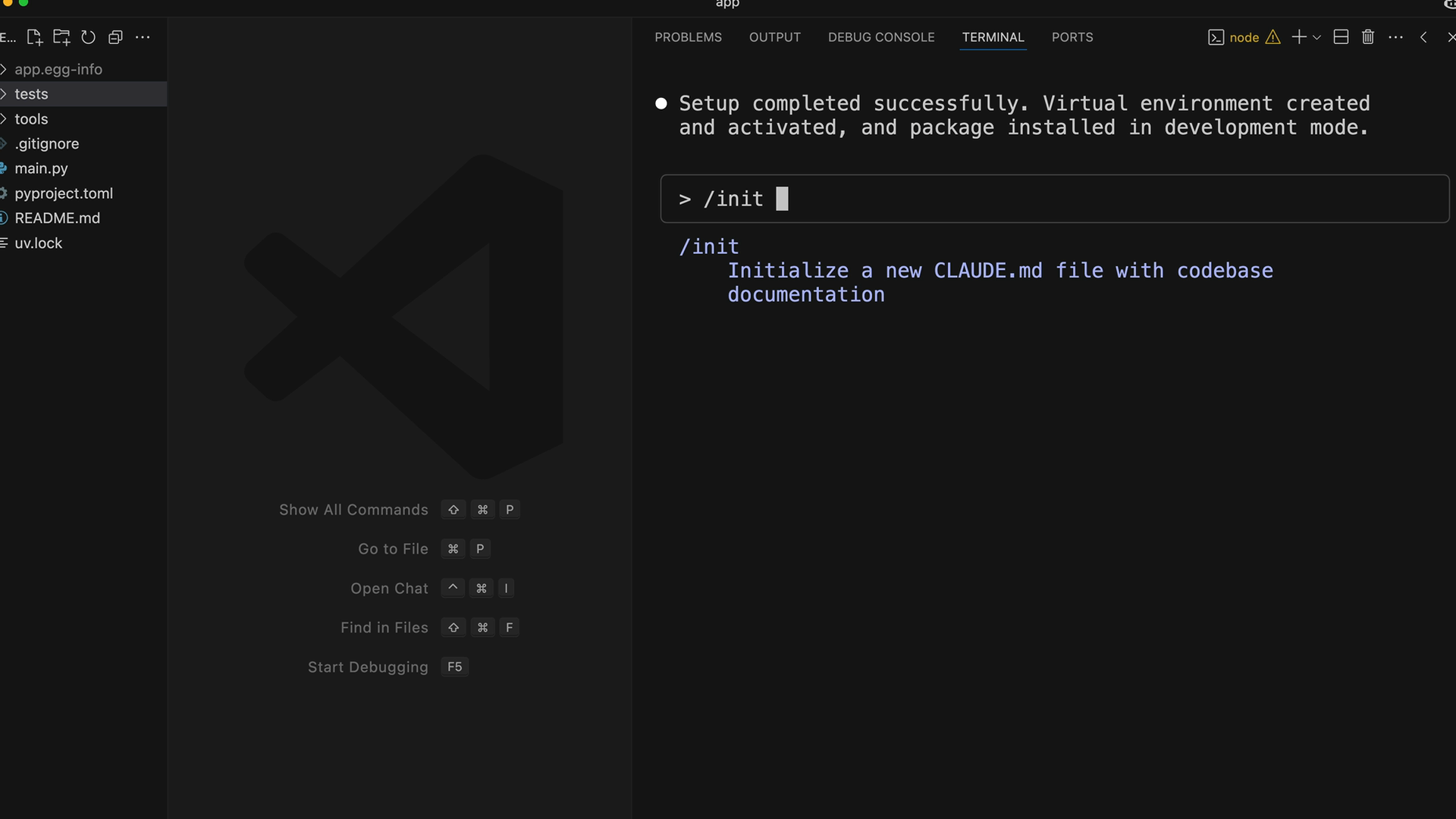
When starting with a new project, the /init command is your first step. Claude Code will scan your codebase, noting project structure, dependencies, commands, and coding patterns. The findings get summarized in a CLAUDE.md file that Claude automatically reads in future conversations.
You can have multiple CLAUDE.md files for different scopes:
- Project - checked into git, shared between engineers
- Local - not checked into git, your particular notes to Claude
- User - used across all projects
When running /init, you can add special directions for areas you want Claude to focus on. You can also use the # shortcut to add quick notes that get appended to your CLAUDE.md file.
Common Workflows
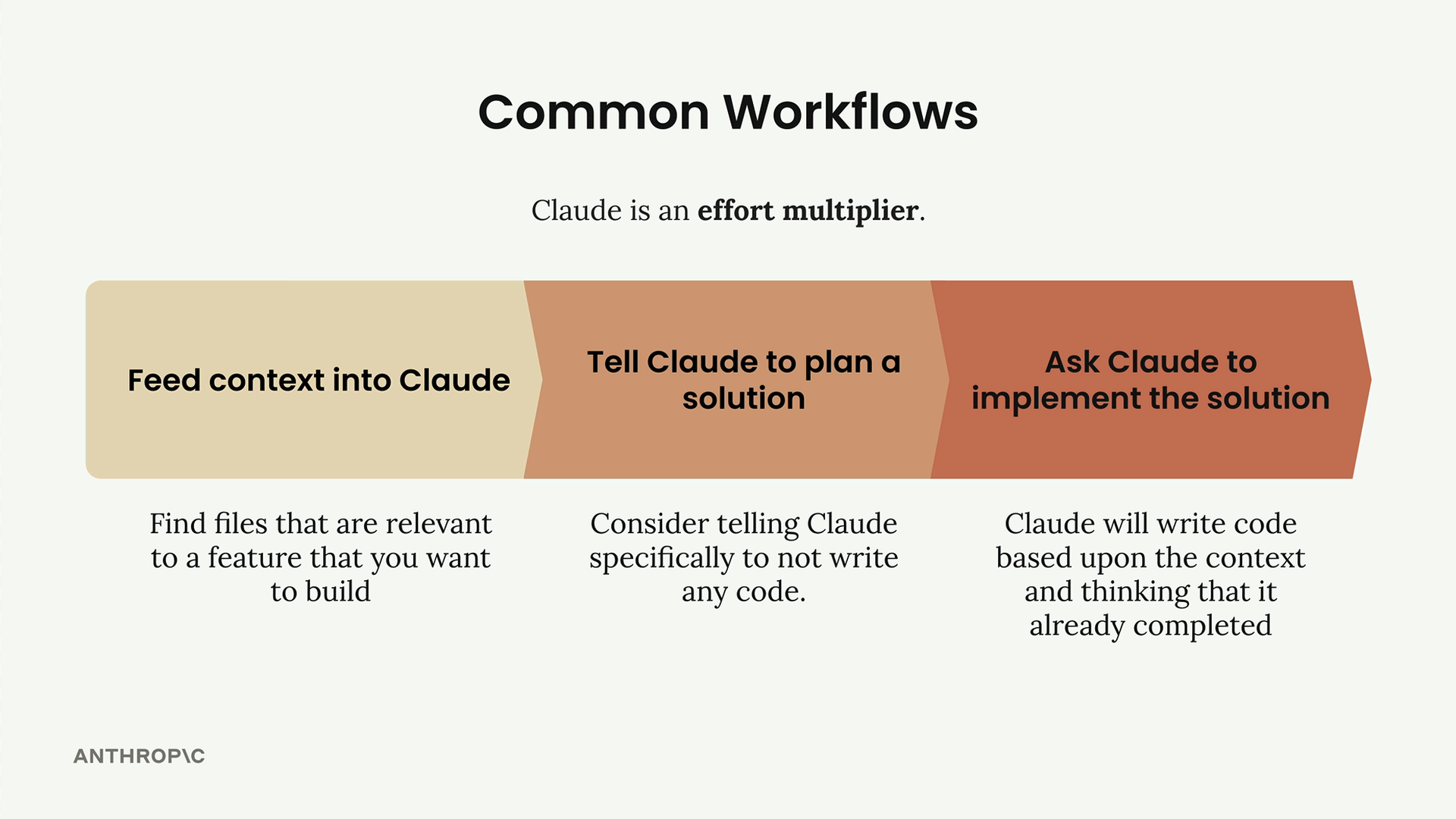
Claude works best as an effort multiplier. The more context and structure you provide, the better results you'll get. Here are two effective approaches:
Planning-First Workflow
This three-step approach works well for complex features:
- Feed context into Claude - Find files relevant to your feature and ask Claude to read them
- Tell Claude to plan a solution - Describe what you want built, but specifically ask Claude not to write code yet
- Ask Claude to implement the solution - Once you have a solid plan, Claude can write code based on the context and planning it already completed
For example, when building a document conversion tool, you might first ask Claude to examine existing tool examples and helper functions. Then ask it to plan out the implementation steps. Finally, request the actual code implementation.
Test-Driven Development Workflow
This approach requires more upfront effort but dramatically increases Claude's effectiveness:
- Feed context into Claude - Share relevant files for your feature
- Ask Claude to think of test cases - Tell Claude specifically not to write any code yet
- Ask Claude to implement those tests - Select only the tests that look relevant to your feature
- Ask Claude to write code that passes the tests - Claude will iterate on a solution until the tests pass
This workflow helps ensure your code is robust and handles edge cases you might not have considered initially.
Practical Tips
Claude can handle routine development tasks beyond just writing code. You can ask it to:
- Set up project environments and install dependencies
- Stage and commit changes with descriptive commit messages
- Run test suites and interpret results
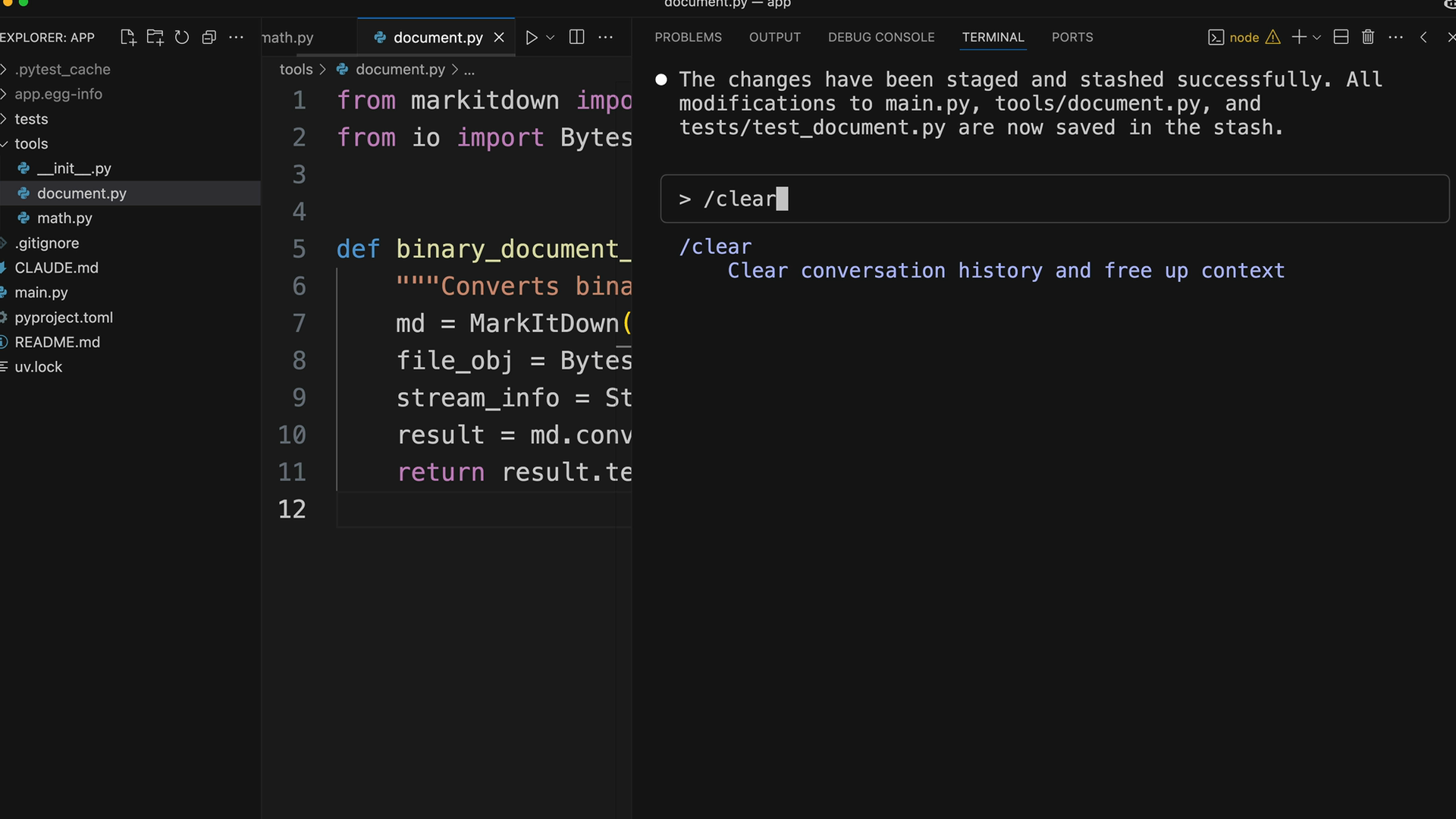
- Clear conversation history with
/clearto reset context
Remember that Claude Code reads your CLAUDE.md file automatically, so any coding standards, project-specific notes, or architectural decisions you document there will influence all future interactions. This makes Claude increasingly effective as it learns more about your project's patterns and requirements.
Downloads
🔁 Related lessons
- Next: Enhancements with MCP servers
- Previous: Claude Code setup
- Same section: Overview of Claude Models · Accessing the API · Making a request
- Part of paths: Path C
- Reference docs: Glossary · Skills atlas · By use-case
📚 Source & attribution
- Original Anthropic Academy lesson: https://anthropic.skilljar.com/claude-in-amazon-bedrock/276811
- © 2025 Anthropic. Educational fair-use only.