📖 Lesson content
Summary
Building tools for Claude requires solving several challenges that aren't immediately obvious. When you want Claude to set reminders for future dates, you quickly discover that while Claude knows the current date, it doesn't always know the exact time, struggles with complex date arithmetic, and has no built-in way to actually set reminders.
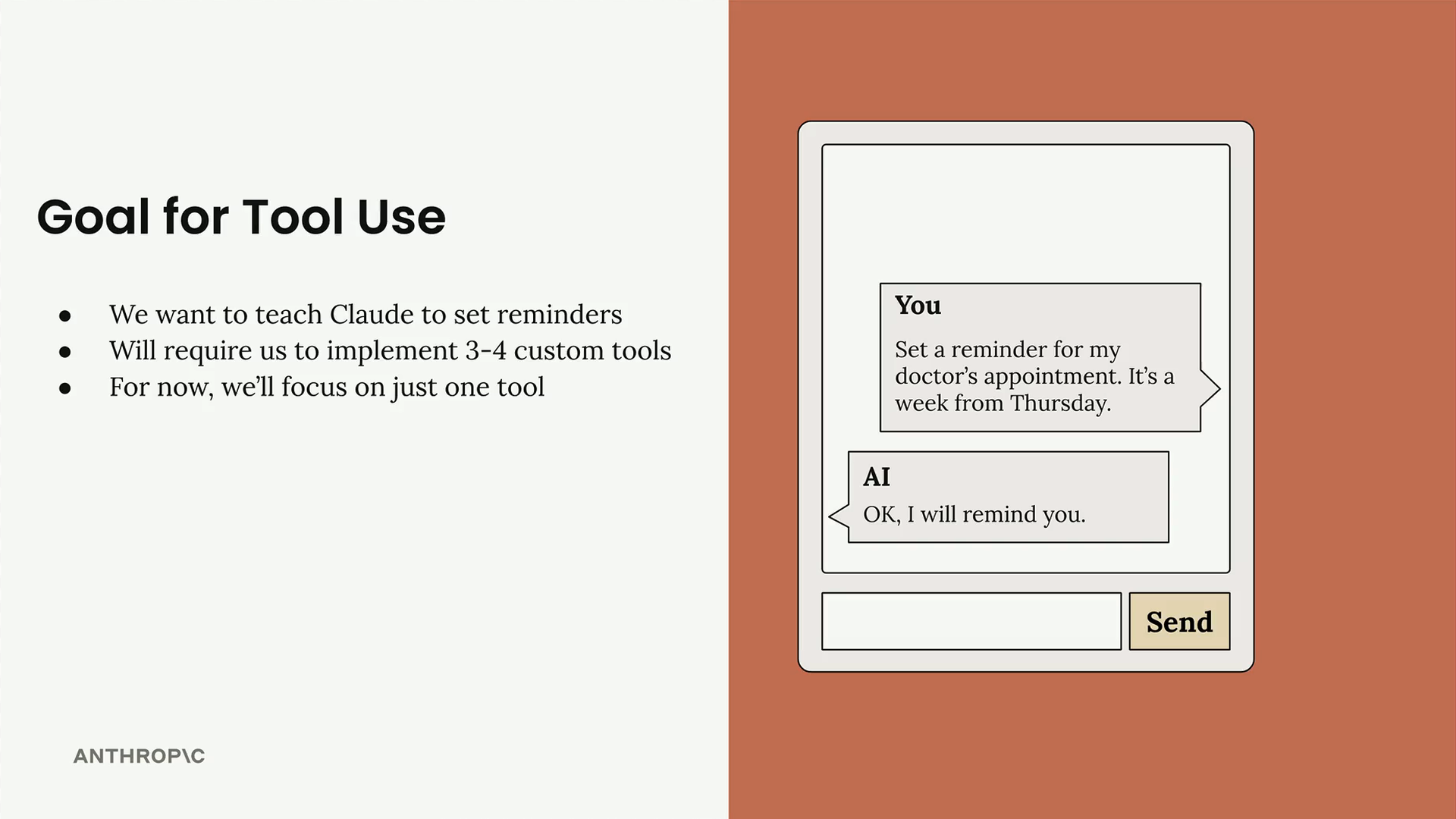
The solution is to create custom tools that handle these specific tasks. For a reminder system, you'll need three separate tools: one to get the current date and time, another to add durations to dates, and a third to actually set the reminder.
Why This Is Challenging
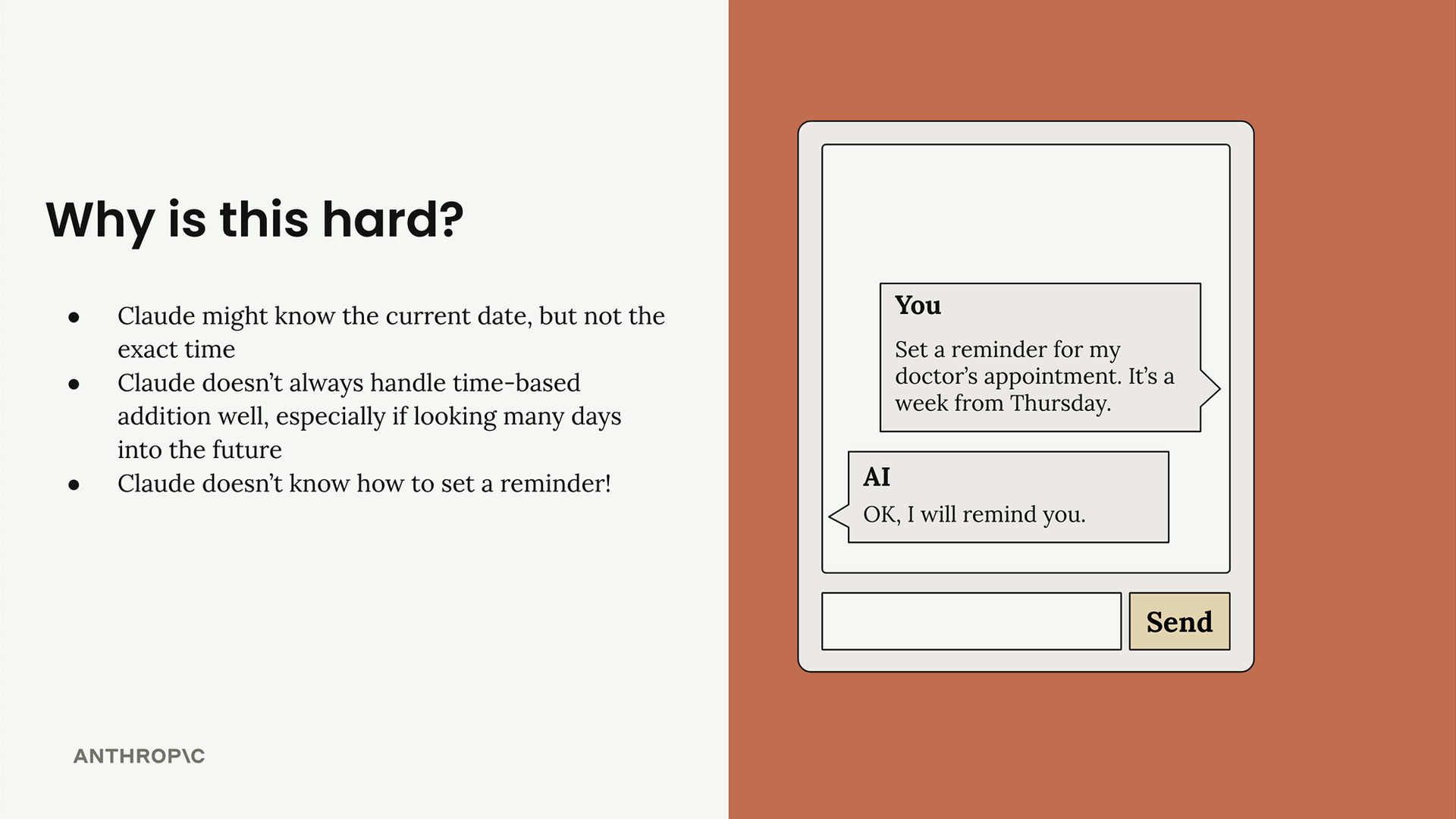
Claude has some limitations when it comes to time-based tasks:
- Claude might know the current date, but not the exact time
- Claude doesn't always handle time-based addition well, especially when looking many days into the future
- Claude doesn't know how to set a reminder
The Tools You Need
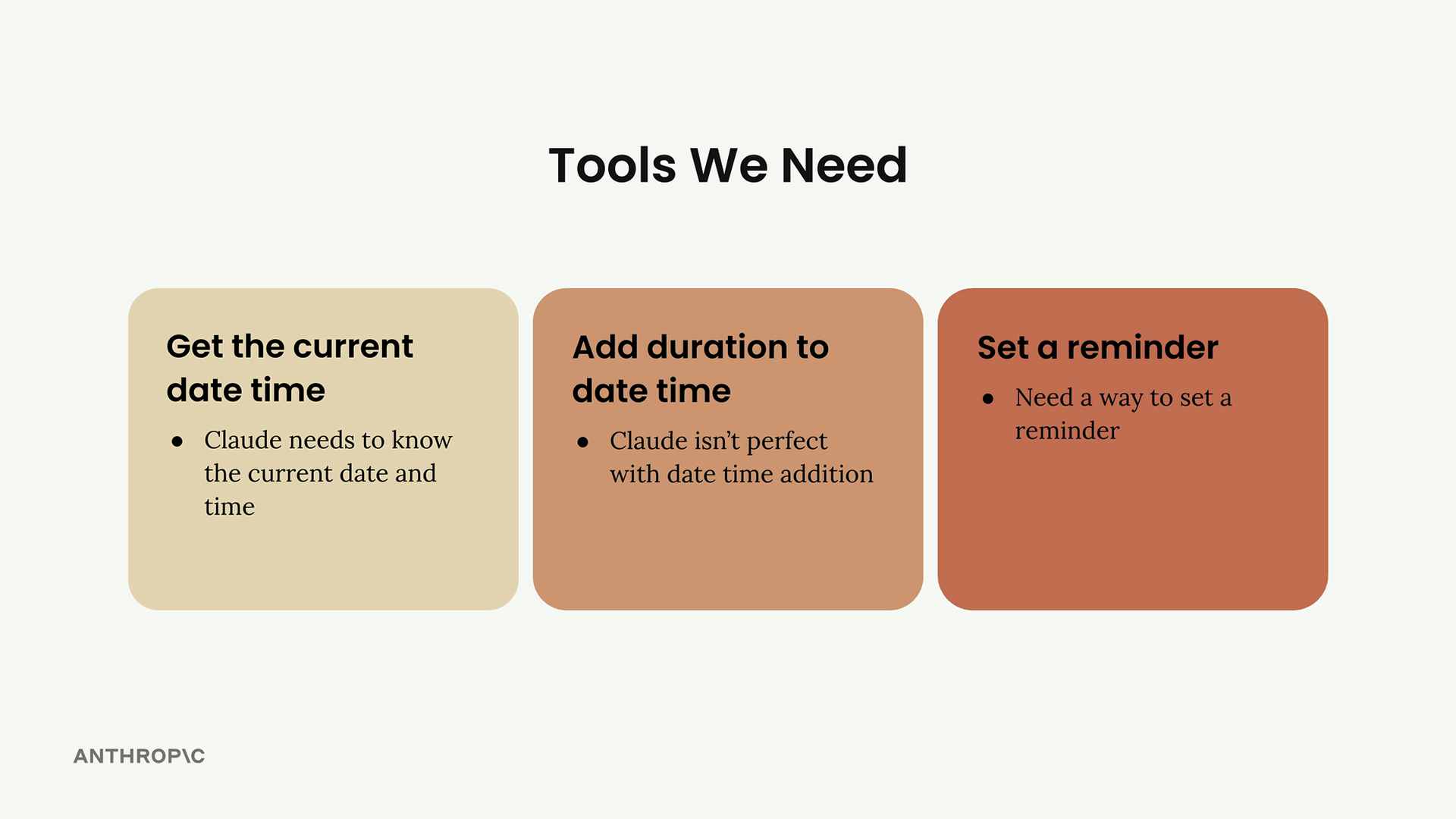
To solve these problems, you'll create three dedicated tools:
- Get the current date time - Claude needs to know the current date and time
- Add duration to date time - Claude isn't perfect with date time addition
- Set a reminder - Need a way to set a reminder
How Tool Functions Work
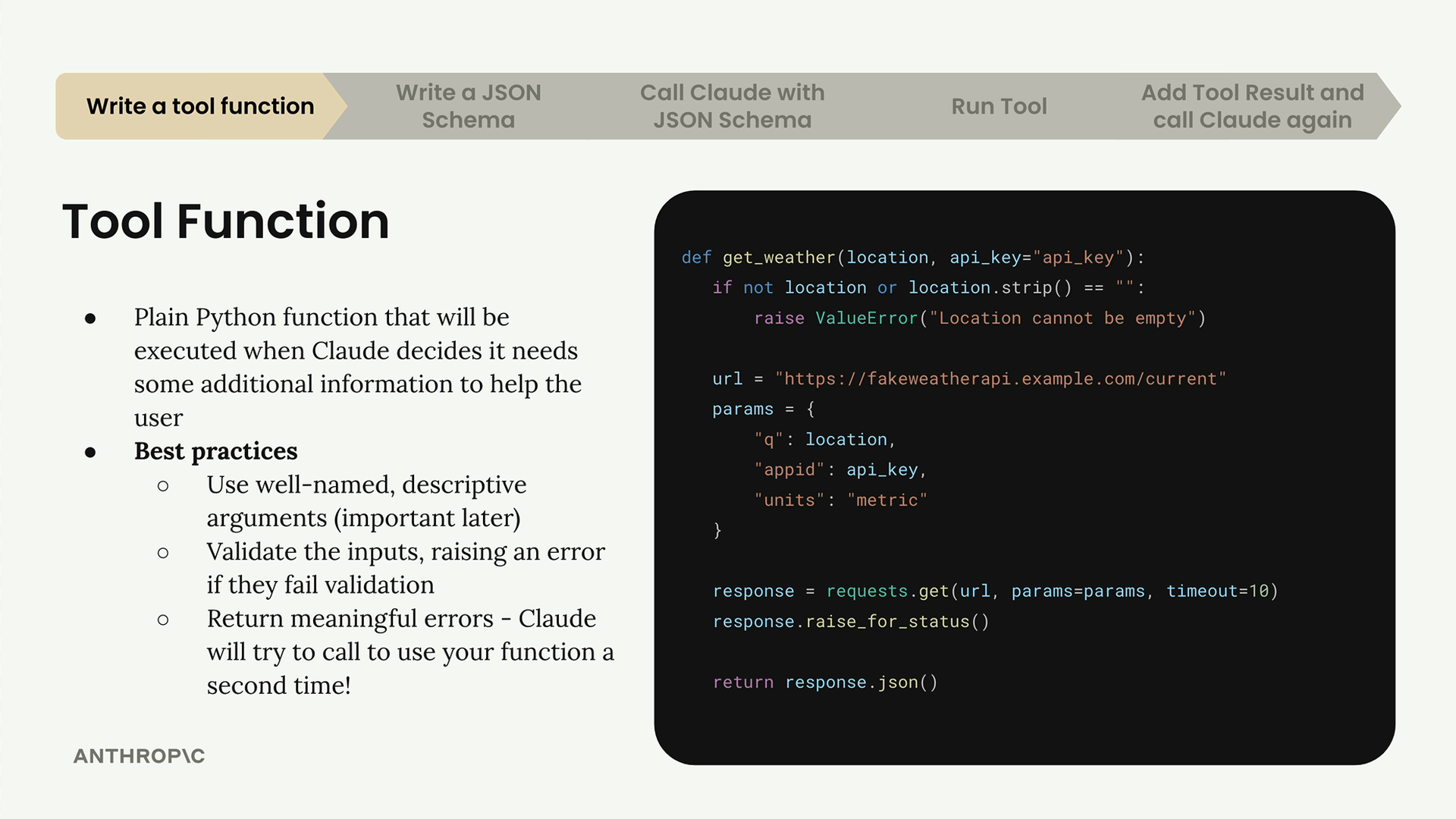
The tool system follows a specific flow between your server and Claude. You write functions that Claude can call when it needs additional information, and Claude receives the results to help formulate its response.
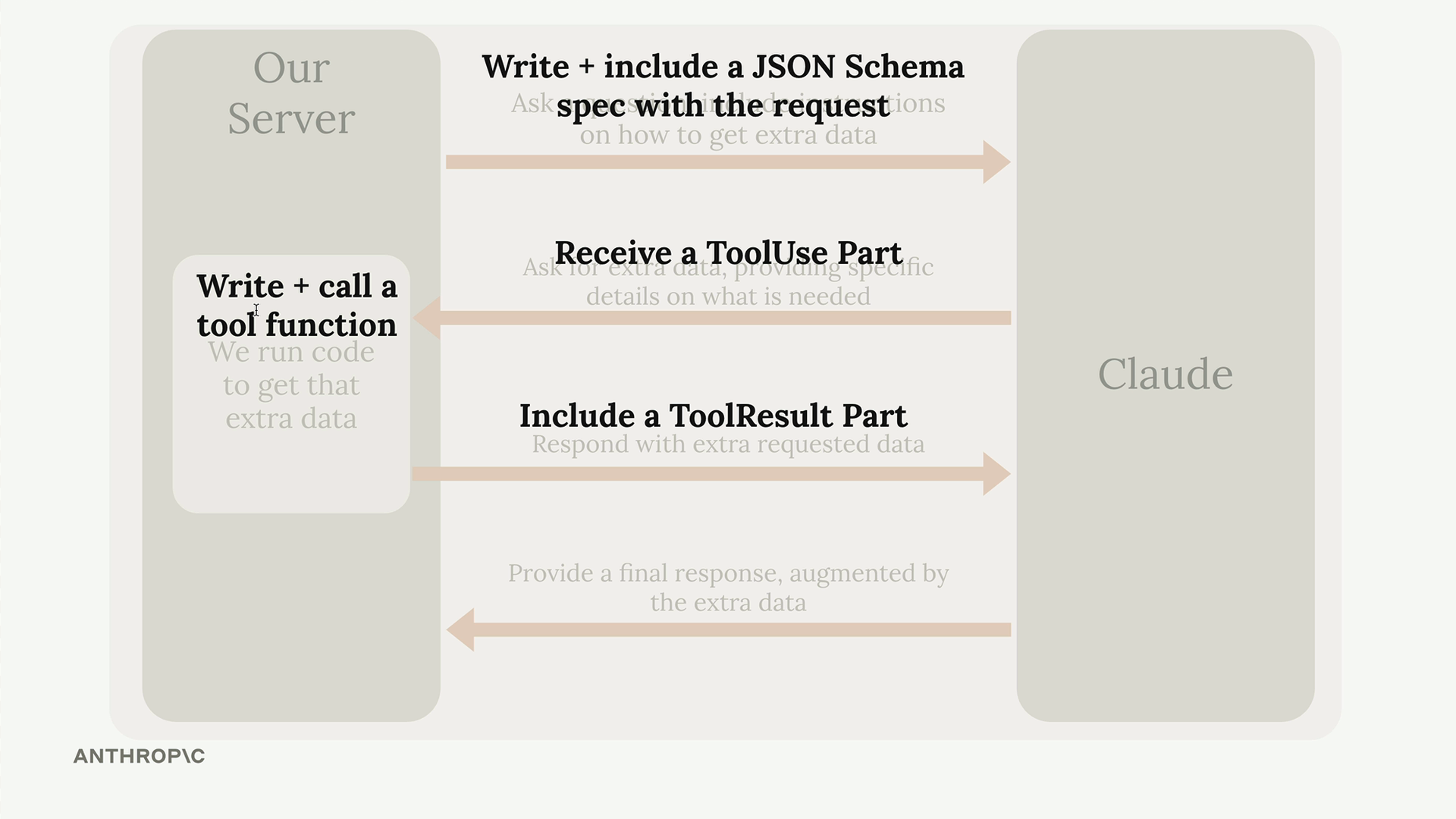
The process involves several steps: writing the tool function, creating a JSON schema specification, calling Claude with that schema, running the tool when Claude requests it, and providing the results back to Claude.
Writing Tool Functions
Tool functions are plain Python functions that get executed when Claude decides it needs additional information to help the user. Here's how to write them effectively:
Best Practices
- Use well-named, descriptive arguments (this becomes important later)
- Validate the inputs, raising an error if they fail validation
- Return meaningful errors - Claude will try to call your function a second time if it gets an error
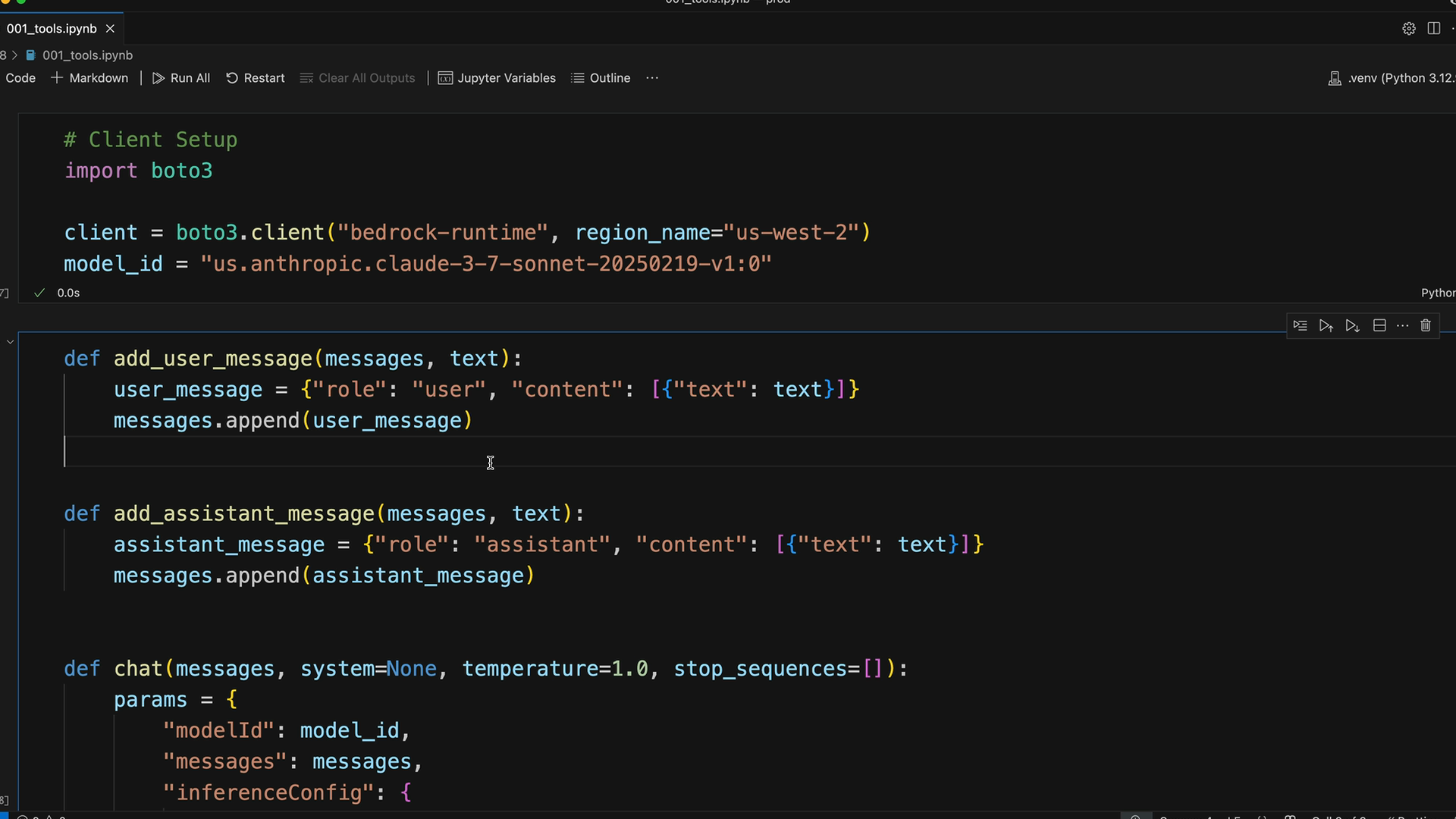
Creating Your First Tool
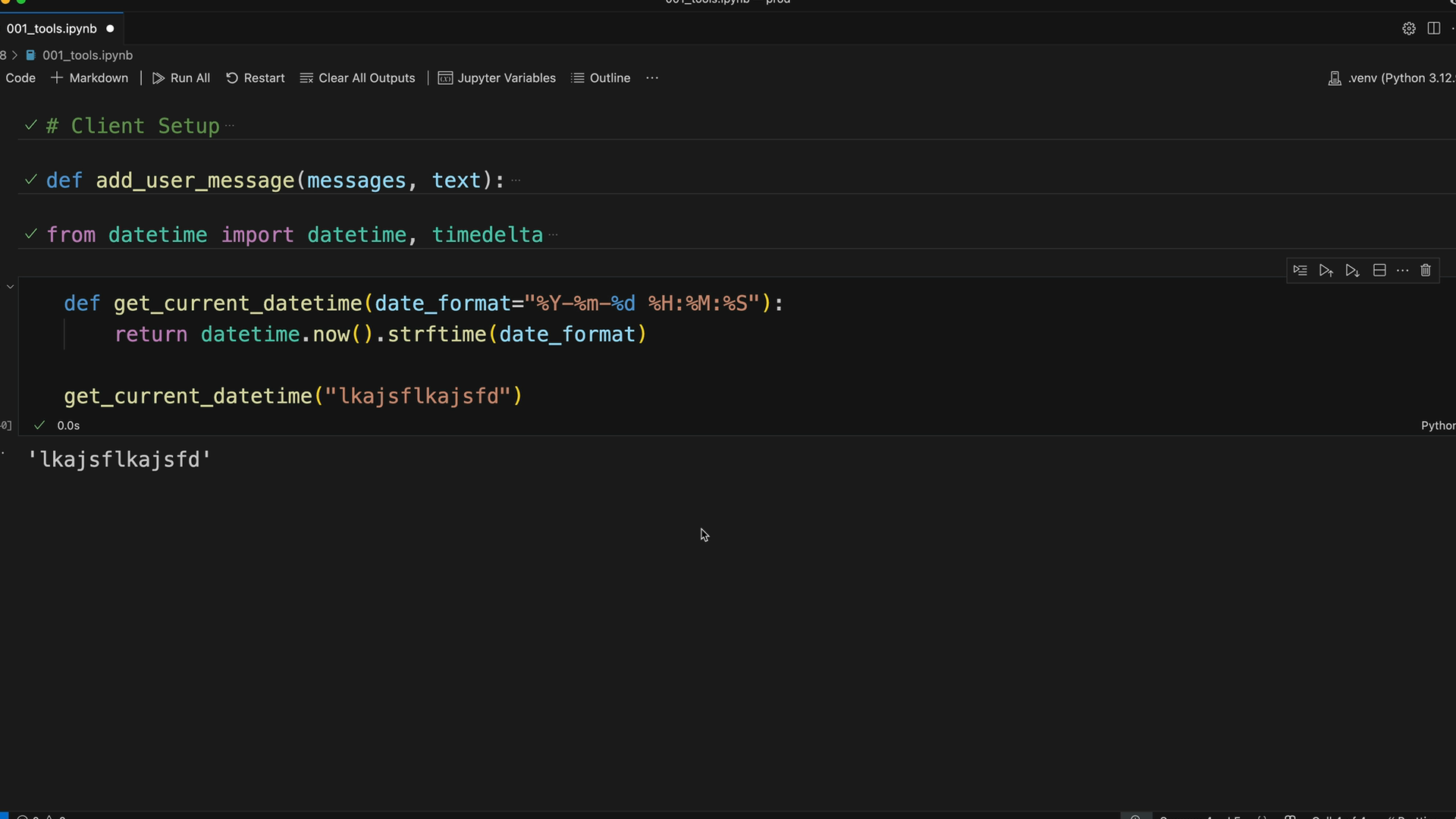
Let's start with the simplest tool - getting the current date and time. This function takes a date format parameter and returns the current timestamp:
from datetime import datetime, timedelta

def get_current_datetime(date_format="%Y-%m-%d %H:%M:%S"):
    return datetime.now().strftime(date_format)
This function is straightforward but follows the key principles: it has a descriptive name, takes a well-named parameter with a sensible default, and returns exactly what it promises.
JSON Schema Specification
Once you have your function, you need to write a JSON Schema that describes it to Claude. This schema tells Claude what arguments the function requires and helps it understand when and how to use the tool.
The JSON Schema serves two purposes: it helps Claude understand what arguments your function requires, and it's not just an LLM concept - JSON Schema is commonly used for data validation across many programming contexts. There are plenty of online tools to help you generate schemas.
Schema Best Practices
- Explain what the tool does, when to use it, and what it returns
- Aim for 3 to 4 sentences in your descriptions
- Provide detailed descriptions for parameters
With your tool function written and schema defined, you're ready to integrate it with Claude and start building more sophisticated AI interactions that can handle real-world tasks like setting reminders.
Downloads
🔁 Related lessons
- Next: JSON Schema for tools
- Previous: Introducing tool use
- Same section: Overview of Claude Models · Accessing the API · Making a request
- Part of paths: Path C
- Reference docs: Glossary · Skills atlas · By use-case
📚 Source & attribution
- Original Anthropic Academy lesson: https://anthropic.skilljar.com/claude-in-amazon-bedrock/276757
- © 2025 Anthropic. Educational fair-use only.