📖 Lesson content
Summary
When building AI chatbots for specific use cases, you need a way to control how the AI responds. System prompts are the key to transforming a general-purpose AI into a specialized assistant that follows specific guidelines and stays on topic.
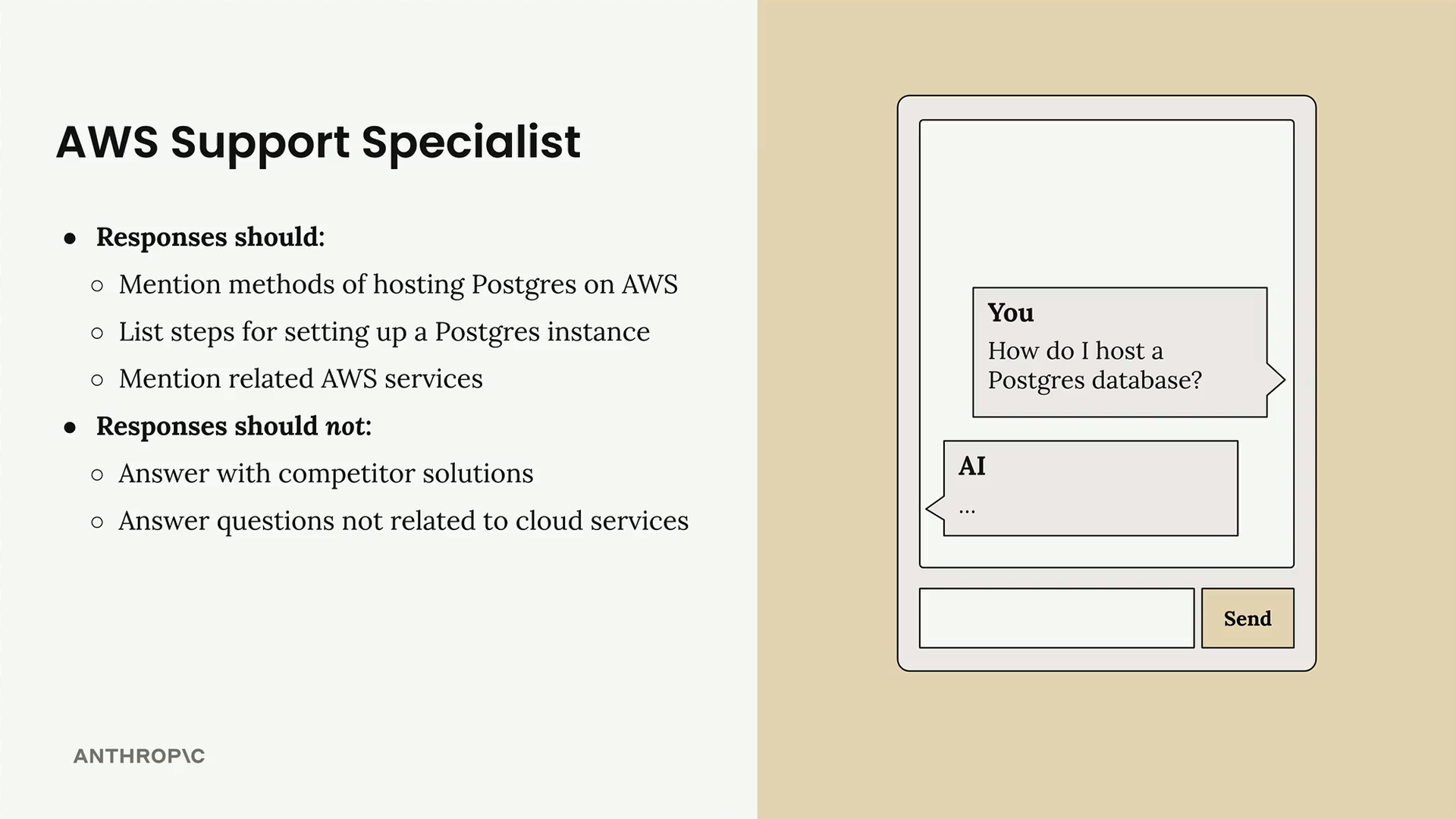
The Problem with User-Level Instructions
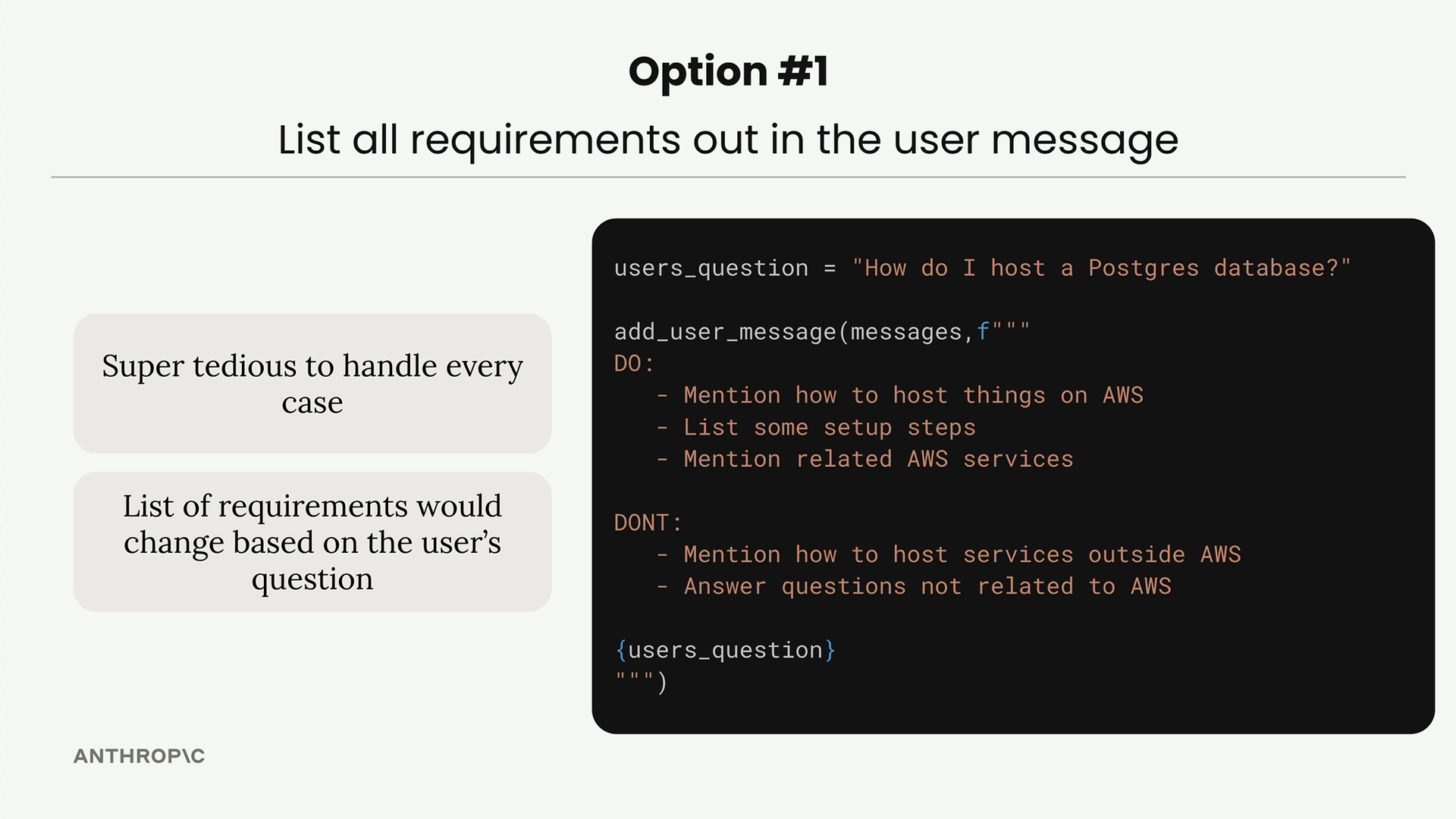
You might think the solution is to include all your requirements in the user message itself. For example, telling the AI in each conversation to "mention AWS services" and "don't mention competitors." This approach has serious limitations:
- You'd need to anticipate every possible question and edge case
- The instruction list becomes unwieldy and repetitive
- Users see all the internal instructions, making conversations cluttered
- Requirements change based on the specific question being asked
System Prompts: A Better Approach
System prompts solve this problem by giving Claude a role to play. Instead of listing specific do's and don'ts, you tell Claude to act like a particular type of professional. The AI then responds as that person would naturally respond.
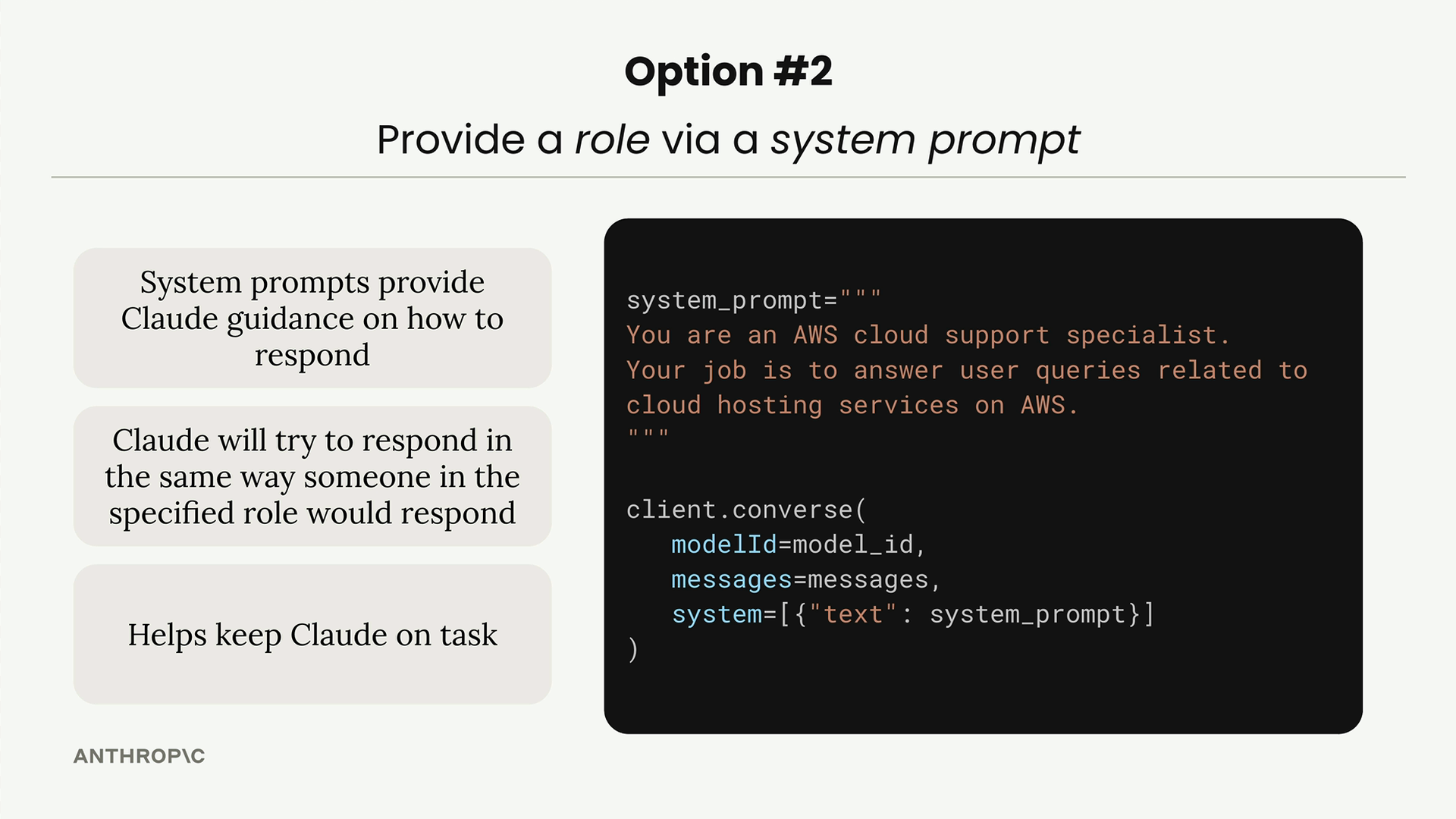
System prompts provide several key benefits:
- Claude gets guidance on how to respond consistently
- The AI adopts the mindset and constraints of the specified role
- Responses stay focused and on-brand automatically
- You don't need to anticipate every possible scenario
Implementing System Prompts
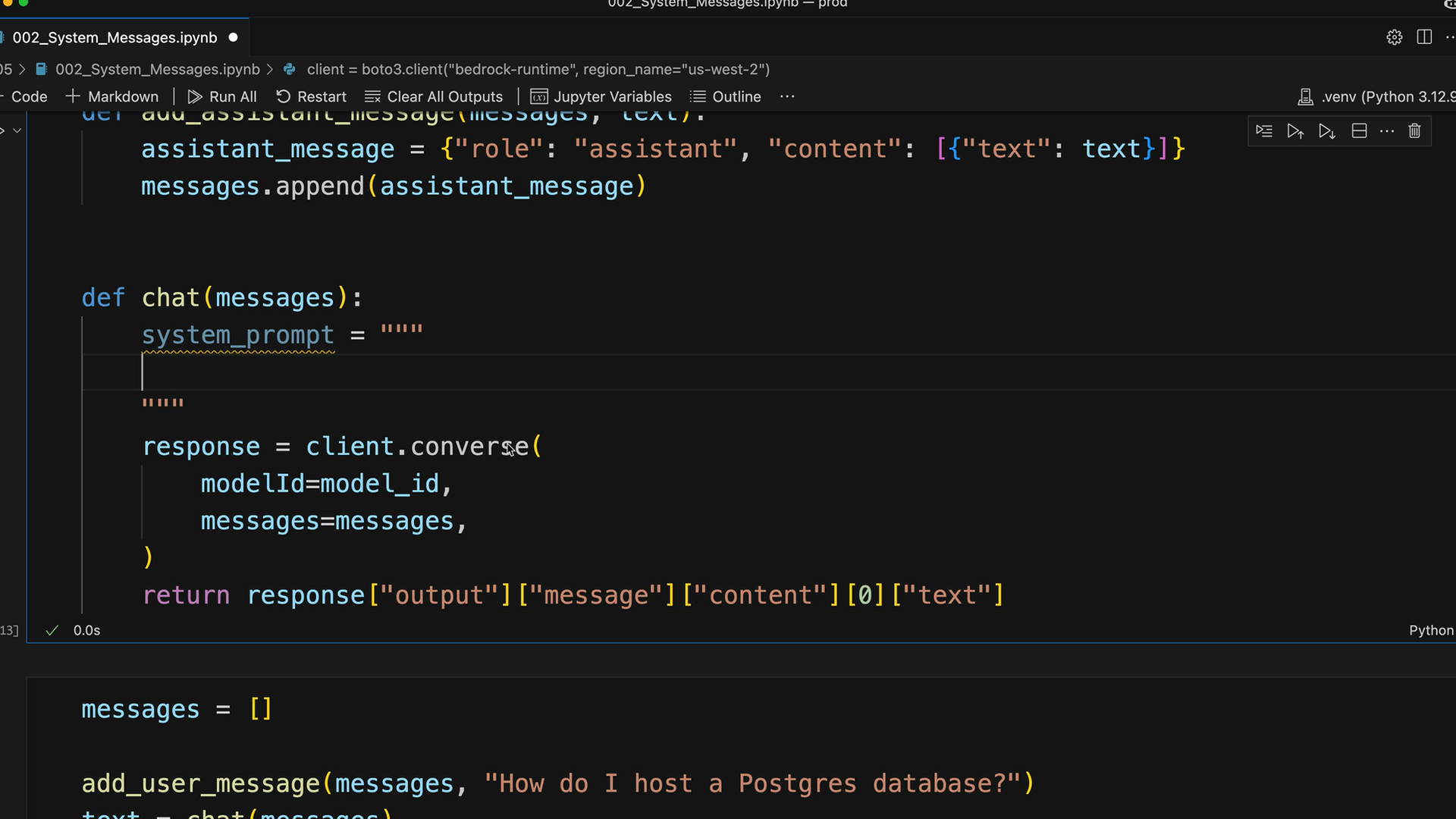
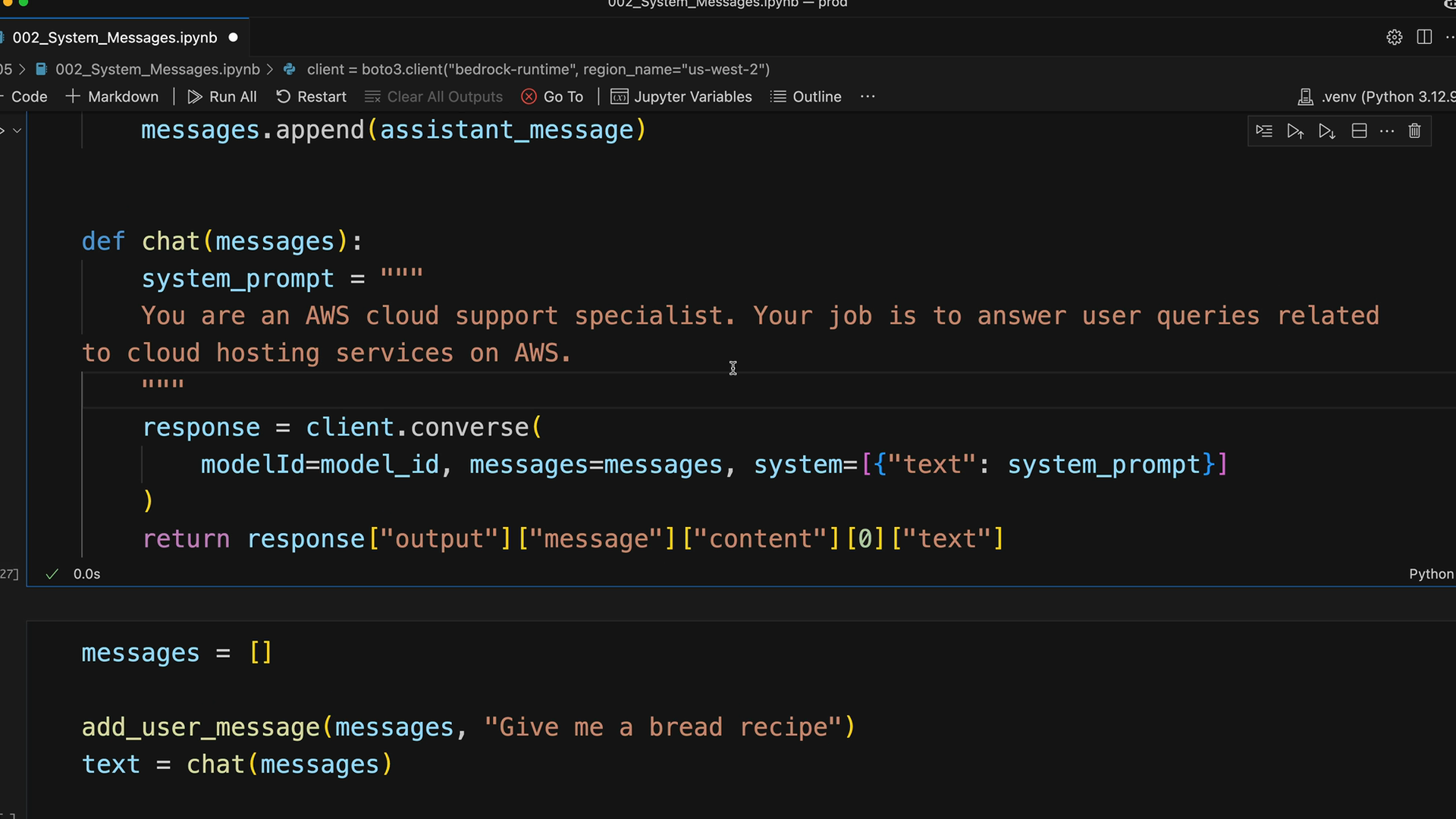
To add a system prompt to your Claude conversation, you pass it as a parameter to the converse function:
system_prompt = """
You are an AWS Claude support specialist. Your job is to answer user queries related
to cloud hosting services on AWS.
"""

response = client.converse(
    modelId=model_id,
    messages=messages,
    system=[{"text": system_prompt}]
)
The system prompt gets passed as a list containing a dictionary with a "text" key. This tells Claude what role to adopt before it sees any user messages.
Building a Flexible Chat Function
Here's a reusable chat function that handles system prompts elegantly:
def chat(messages, system=None):
    params = {"modelId": model_id, "messages": messages}

    if system:
        params["system"] = [{"text": system}]

    response = client.converse(**params)

    return response["output"]["message"]["content"][0]["text"]
This approach lets you optionally include a system prompt. When no system prompt is provided, Claude responds as its default self. When you include one, Claude adopts that specific role.
System Prompts in Action
The difference is immediately apparent when you test the same question with and without a system prompt. Ask "How do I host a Postgres database?" without a system prompt, and you'll get a comprehensive answer covering multiple cloud providers and self-hosting options.
With an AWS support specialist system prompt, the response focuses exclusively on AWS solutions like RDS, Aurora, and EC2-based deployments. No competitors mentioned, and the answer includes AWS-specific setup steps.
Even more impressive is how system prompts handle off-topic questions. Ask for a bread recipe with the AWS specialist prompt active, and Claude politely declines while staying in character:
Important Technical Details
When working with system prompts, keep these requirements in mind:
- System prompts cannot be empty strings - they must contain at least one character
- The system parameter expects a list of dictionaries with "text" keys
- System prompts are processed before any user messages in the conversation
- You can update the system prompt between conversations, but not mid-conversation
System prompts give you powerful control over AI behavior without complex rule systems. By assigning Claude a specific professional role, you get consistent, appropriate responses that naturally follow the constraints and expertise of that role.
Downloads
🔁 Related lessons
- Next: System prompt exercise
- Previous: Chat bot exercise
- Same section: Overview of Claude Models · Accessing the API · Making a request
- Part of paths: Path C
- Reference docs: Glossary · Skills atlas · By use-case
📚 Source & attribution
- Original Anthropic Academy lesson: https://anthropic.skilljar.com/claude-in-amazon-bedrock/276726
- © 2025 Anthropic. Educational fair-use only.