📖 Lesson content
By the end of this lesson, you will be able to:
- Explain what Cowork is and how it differs from chatting with Claude
- Describe the core capabilities that make Cowork useful for knowledge work
- Recognize which tasks are a good fit for Cowork versus standard chat
Estimated time: 15 minutes
Video: Introducing Cowork
Key takeaways
- Cowork is built on the same architecture as Claude Code, the agentic system used to write and ship production software. That capability is now available for knowledge work: analysis, research, writing, and the documents you produce every day.
- The shift is from conversation to delegation. Instead of pasting text and getting text back, you describe a task. Cowork plans it, works through it, and delivers a finished file to your drive.
- Cowork works where your work lives. It reads and writes files on your computer, connects to the tools you use, and keeps working on longer tasks while you step away.
- You stay in control. You see the plan before work starts, and you can interrupt or redirect at any point.
What's different from chat
Overview
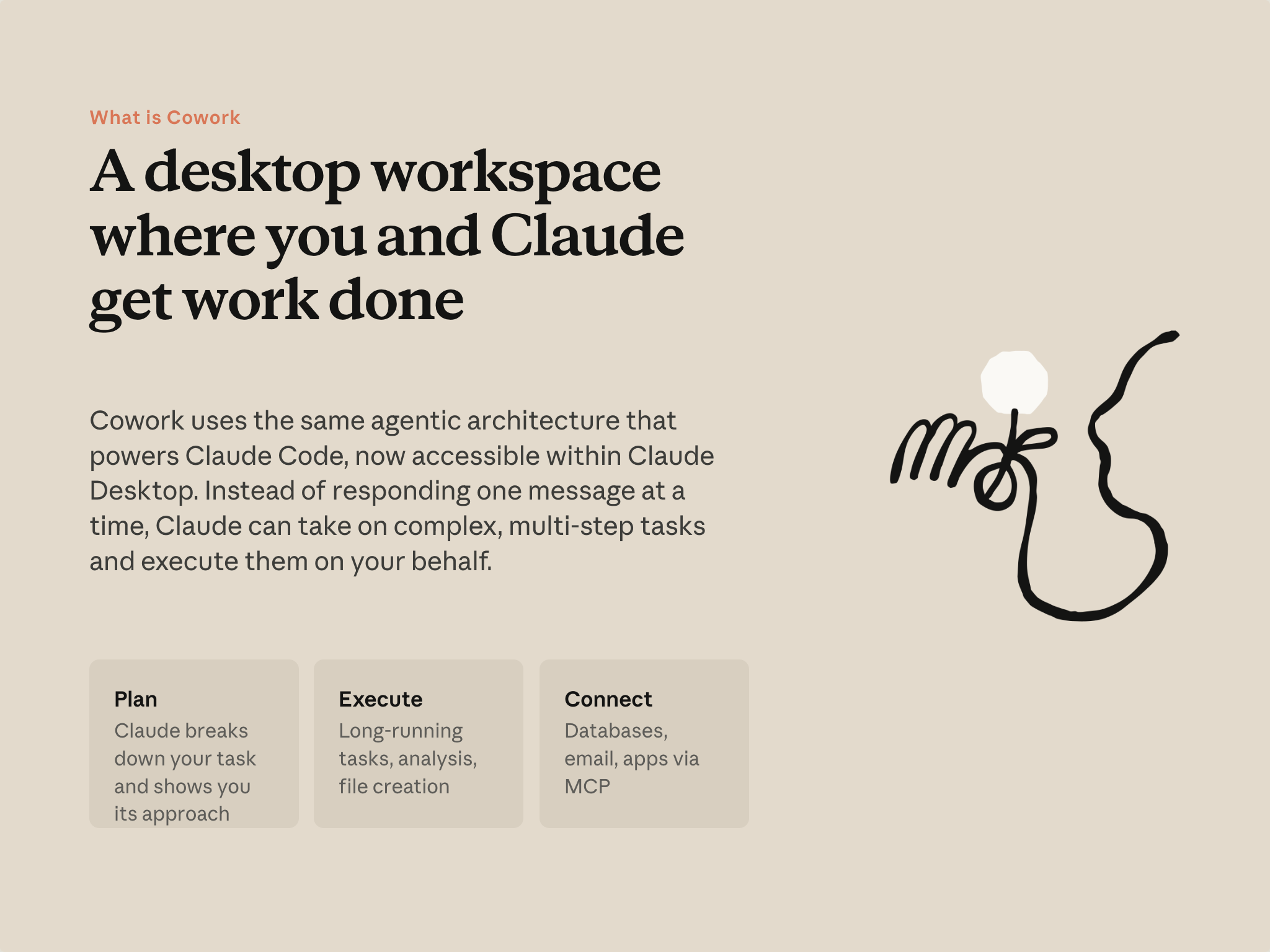
You've probably used Claude in the chat experience: ask a question, get an answer, paste a document, get a summary. That loop is valuable, and it'll keep being valuable. But it leaves certain kinds of work on your side of the table—you still move information between tools, assemble the output, and handle the steps in between.
Cowork changes the shape of that exchange for tasks that benefit from it. You describe an outcome. Claude plans the steps, works through them, and produces the deliverable—a file on your drive, not text to paste somewhere else.
Three things enable this:
- Plan. For multi-step work, Claude shows you its approach before starting. You review it, adjust if needed, and approve.
- Execute. Work runs for as long as it needs, in an isolated environment on your computer. File creation, analysis, long-running tasks—you can let it run and come back.
- Connect. Cowork can reach the systems where your work lives: your email, shared drives, the tools you're already signed into. Context flows to Claude without manual copy-paste.
What Cowork can do
Overview
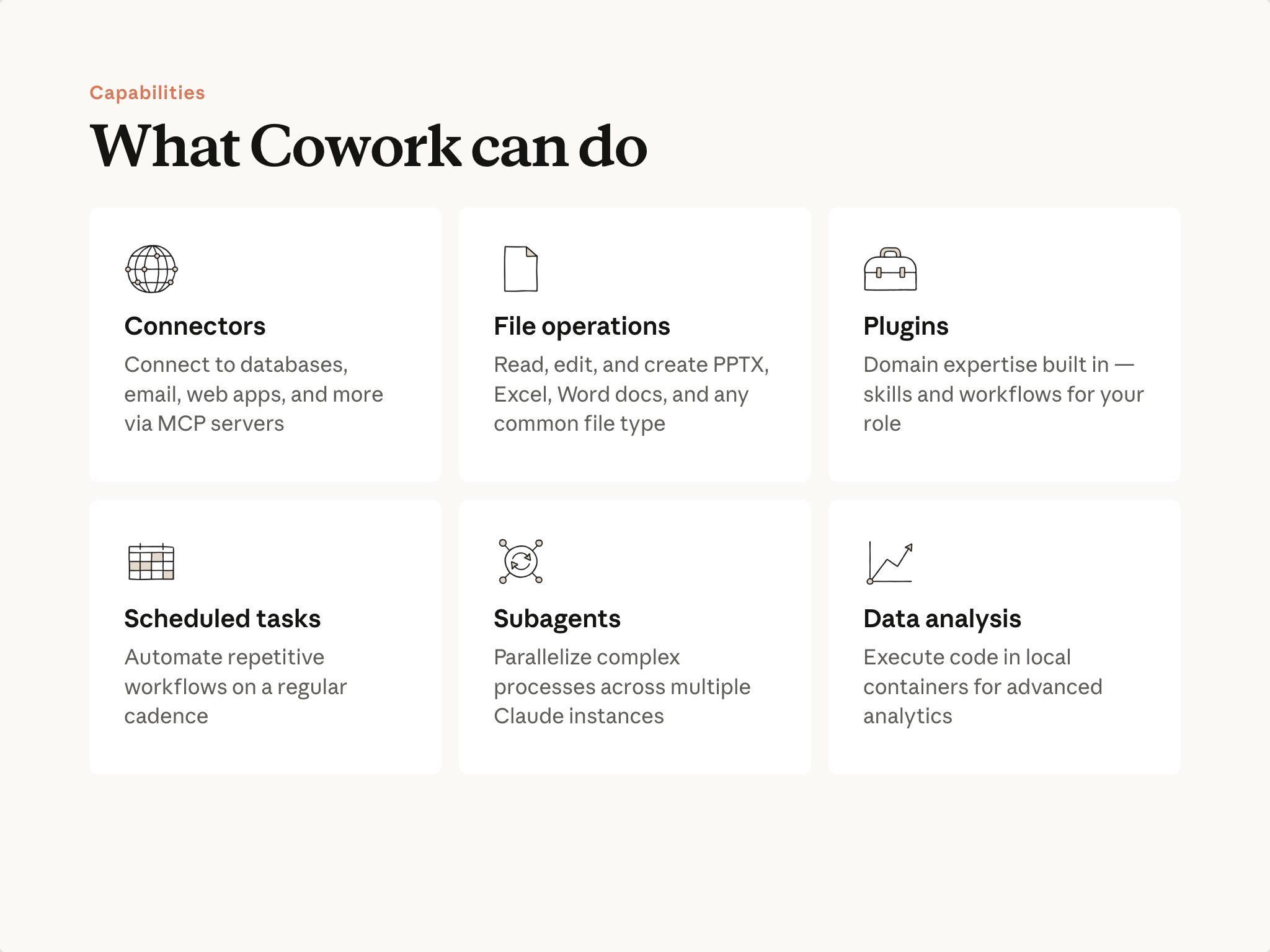
You'll go deeper on each in later lessons. For now, the map:
- Connectors — Claude reaches into your existing tools: email, messaging, shared drives, and more. Context flows in automatically.
- File operations — Read, edit, and create real files on your drive: presentations, spreadsheets, documents. You get a finished file saved to your drive.
- Plugins — Domain expertise built into Cowork. Each plugin comes with knowledge and workflows for a specific function, so Claude approaches your task the way a specialist would. Plugins bundle skills, connectors, and more into a single package for your role.
- Scheduled tasks — Run a workflow on a recurring cadence. Work you'd otherwise remember to do can happen automatically.
- Subagents — Parallelize. When a task has many independent pieces, Cowork works them at the same time.
- Local computation — Run code on files in place and write results back. No upload and re-download cycle.
When to reach for Cowork
Cowork and chat fit different shapes of work. A useful question: does this task need to touch your files, your connected tools, or produce a real output file? If yes, Cowork is a good fit. Another signal: if you've tried something similar in chat and ran out of room or hit conversation limits, Cowork is built to handle that scale.
Lean toward Cowork when you want a finished file you can open, when the work touches files on your drive or tools you're connected to, when there are many steps or many items to process, or when you want to let it run while you do something else. Lean toward chat when you want an answer or a draft to refine yourself, when everything Claude needs fits in a single paste, or when you want to think through something together, turn by turn.
For more on deciding what to delegate to Claude and how, see the AI Fluency course.
Put it into practice
Before moving on, think of one task from your week that fits the Cowork shape: something involving your files, your tools, or a finished output you'd usually assemble yourself. Keep it in mind—you'll use it in Lesson 3.
What's next
In the next lesson, you'll open Cowork and point it at a folder—the first step in any task.
For more on Cowork's design and purpose, see Claude Cowork: a research preview.
Feedback
As you progress through the course, we'd love to hear how you're using concepts from it in your work. Share your feedback here.
🎬 Video transcript
Source video:
UAmKyyZ-b9E
📜 Click to expand transcript (cleaned + AI-translated)
Game Session Overview
I'm going to go back to the beginning of the game. There are a lot of other great things.
Navigation and Movement
Let's go back to the beginning of the game. I'm going to have to do it. I've been walking for a while, so I'm going to have to go.
Gameplay Mechanics
The third line is a lot of fun. I'm going to go again. I'm going to have to go again. The third line is a lot of fun, so I'm going to have to go again.
🔁 Related lessons
- Next: Getting set up
- Same section: Getting set up
- Part of paths: Path B
- Reference docs: Glossary · Skills atlas · By use-case
📚 Source & attribution
- Original Anthropic Academy lesson: https://anthropic.skilljar.com/introduction-to-claude-cowork/444164
- © 2025 Anthropic. Educational fair-use only.